49
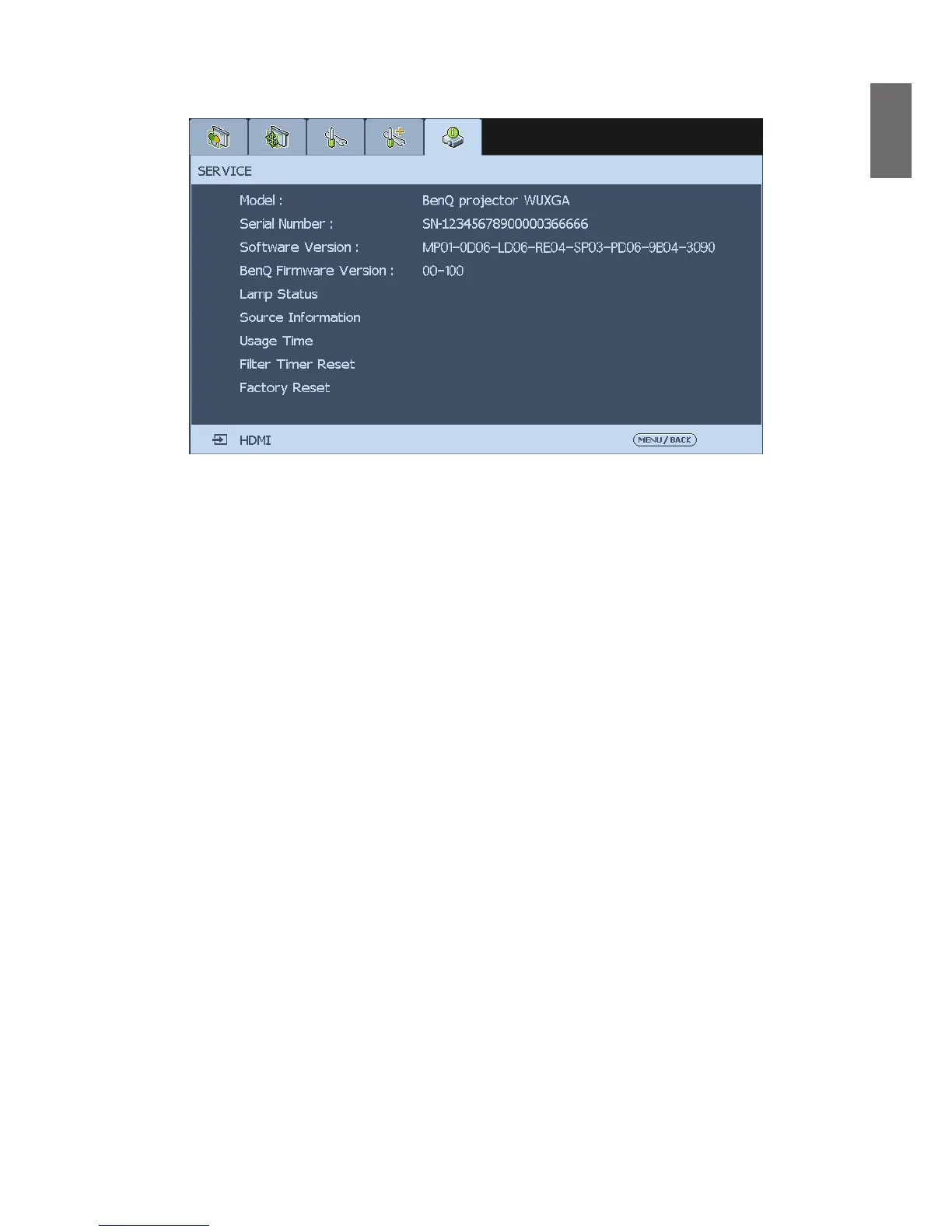
SERVICE
Model
Display the model name of the projector.
Serial Number
Display the serial number of the projector.
Software Version
Display current software version installed in the projector.
BenQ Firmware Version
Display current rmware version installed in the projector.
Lamp Status
Select this option to display current lamp status, the menu shows which lamp is in use.
S
ource Information
Select this option to display source information such as active source, pixel clock, signal format,
H/V refresh rate, sync type, sync polarity and video type.



 To Next Page