44
DLP Link
: Select to disable or enable DLP Link sync.
3D Swap
: Set 3D Swap to Inverse if left and right eye 3D image inversion by 3D glasses is
needed. If image looks normal, keeps current settings.
3D 24Hz Display
: Set frame rate to 144fps or 96fps when input signal is at 24Hz.
Filter Message
Set the interval time to display a message for cleaning the lter, the selectable options are
Off
,
100H
,
200H
,
500H
and
1000H
.
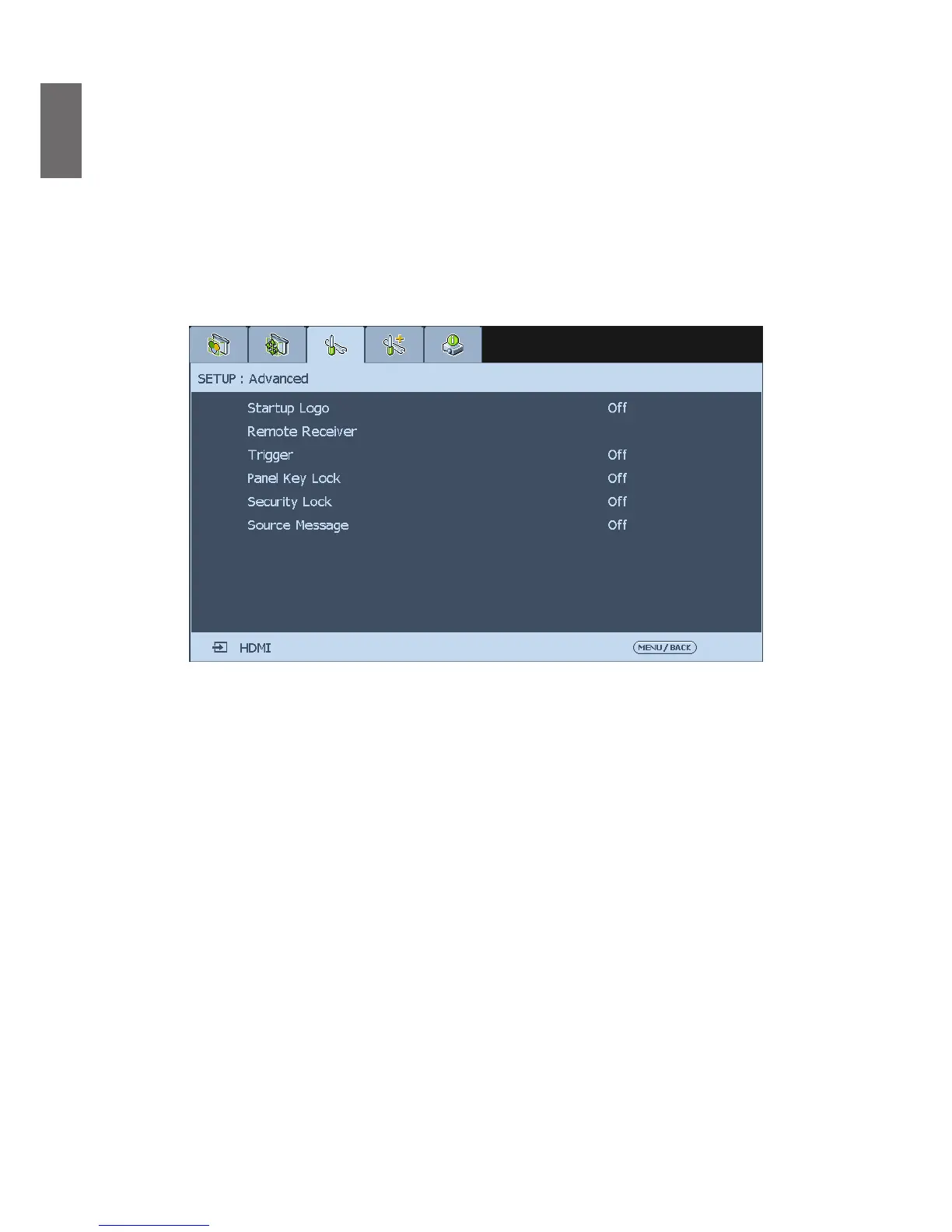
Advanced
Startup Logo
Press
◄►
arrow key to enable /disable the startup logo function.
Remote Receiver
Setup the IR control signal receiving by the projector, there are four options to setup control
signal receiving as below.
Front+Rear
: Both front IR and back IR receiver are turned on.
Front
: Turn on front IR receiver only; back IR receiver is turned off.
Rear
: Turn on back IR receiver only; front IR receiver is turned off.
HDBaseT
: Select HDBaseT as a channel for IR control signal transmitting if the optional
HDBaseT transmitter is capable of IR signal receiving and transmitting. If the option is selected,
both front IR receiver and back IR receiver are turned off.
Trigger
The projector features one trigger output. If the projector comes with an auto screen device,
you can connect it to the trigger to open the screen when the projector powers up. This
function may have a 2-3 second lag before powering up.
Panel Key Lock
This function allows you to lock the control panel for preventing the unauthorized use.



 To Next Page