38
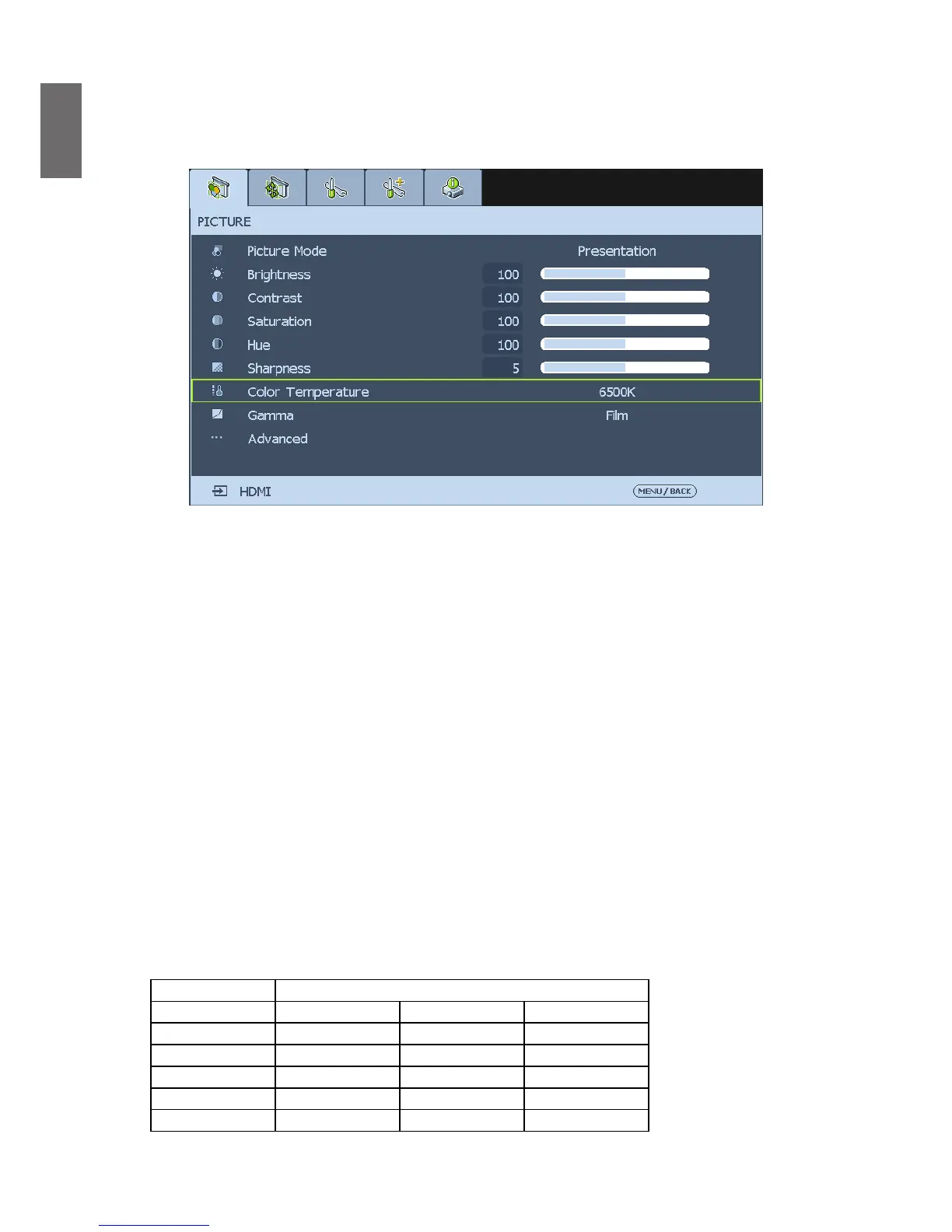
PICTURE
The pre-dened picture mode settings can be altered via the available items shown in the
PICTURE
menu such as picture mode, brightness, color temperature…etc..
Picture Mode
Select a set of preset values using
◄
or
►
from the list.
Bright
: Maximizes the brightness of the projected image for more enhanced presentations.
Presentation
: For standard image, it’s suitable for the best effect of the projected image or
picture.
Cinema
: Give natural tint to the projected image.
Brightness
Adjust the
Brightness
value using
◄
or
►
to lighten or darken the picture.
Contrast
Adjust the
Contrast
value using
◄
or
►
to highlight the differences between light and dark
areas of the picture.
Saturation
Use
◄
or
►
to adjust
Saturation
of the main color, the selected color become lighter or
thicker.
Hue
Use
◄
or
►
to adjust
Hue
of the main color as below.
Main Color Hue
R Magenta



 To Next Page