54
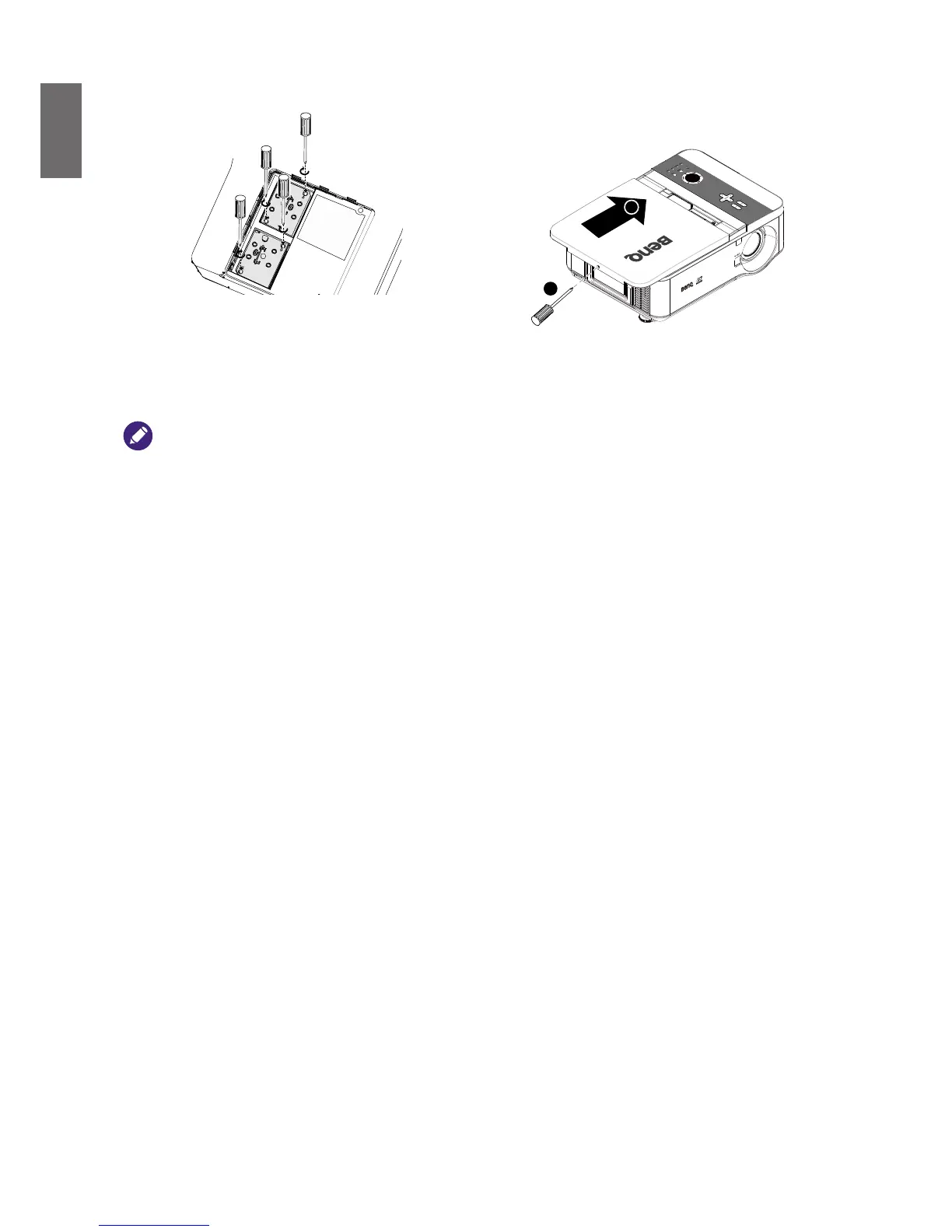
7. Ensure the handle is fully locked in place. 8. Replace the lamp cover.
Close the lamp cover (A) and lock attached
screws (B).
B
A
9. Tighten the screws on the lamp cover.
10. Reapply power and turn the projector back
on.
• Please be careful to not over-tighten the screws.
• Loose screws may cause a bad connection, which could result in malfunction.



 To Next Page