Embroidery menu»/«Start/Stop
The alternating blinking symbols indicate:
►
the «Embroidery»-display is opened
►
the embroidery computer is ready to embroider
The embroidery computer must be started by pressing
the «Start/Stop»-button on the headframe.
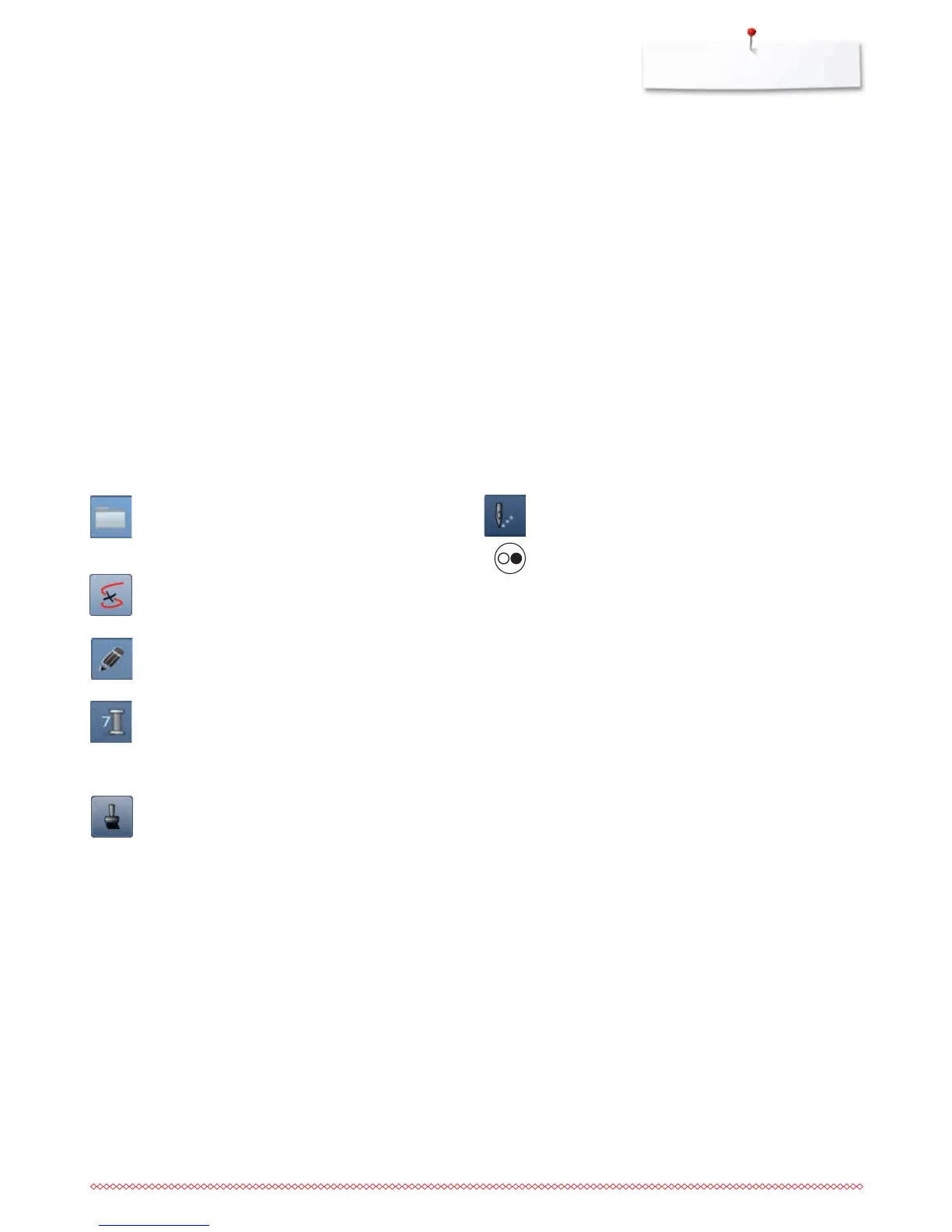
Selection
⦁
select new motif
⦁
save motifs
⦁
delete motifs
Thread breakage
In the left Display the motif is shown in the normal size.
In the right Display the motif is enlarged.
Edit
In this Display the motif can be edited.
Color numbers
Display of the motif color numbers.
⦁
touch the button
►
Display providing the color information to the
selected motif is opnened
Single/Multi-Color Motif
If the icon is active, the entire motif will be embroidered
in one color (without stopping).
If the icon is inactive, the colors will be embroidered
individually.



 To Next Page