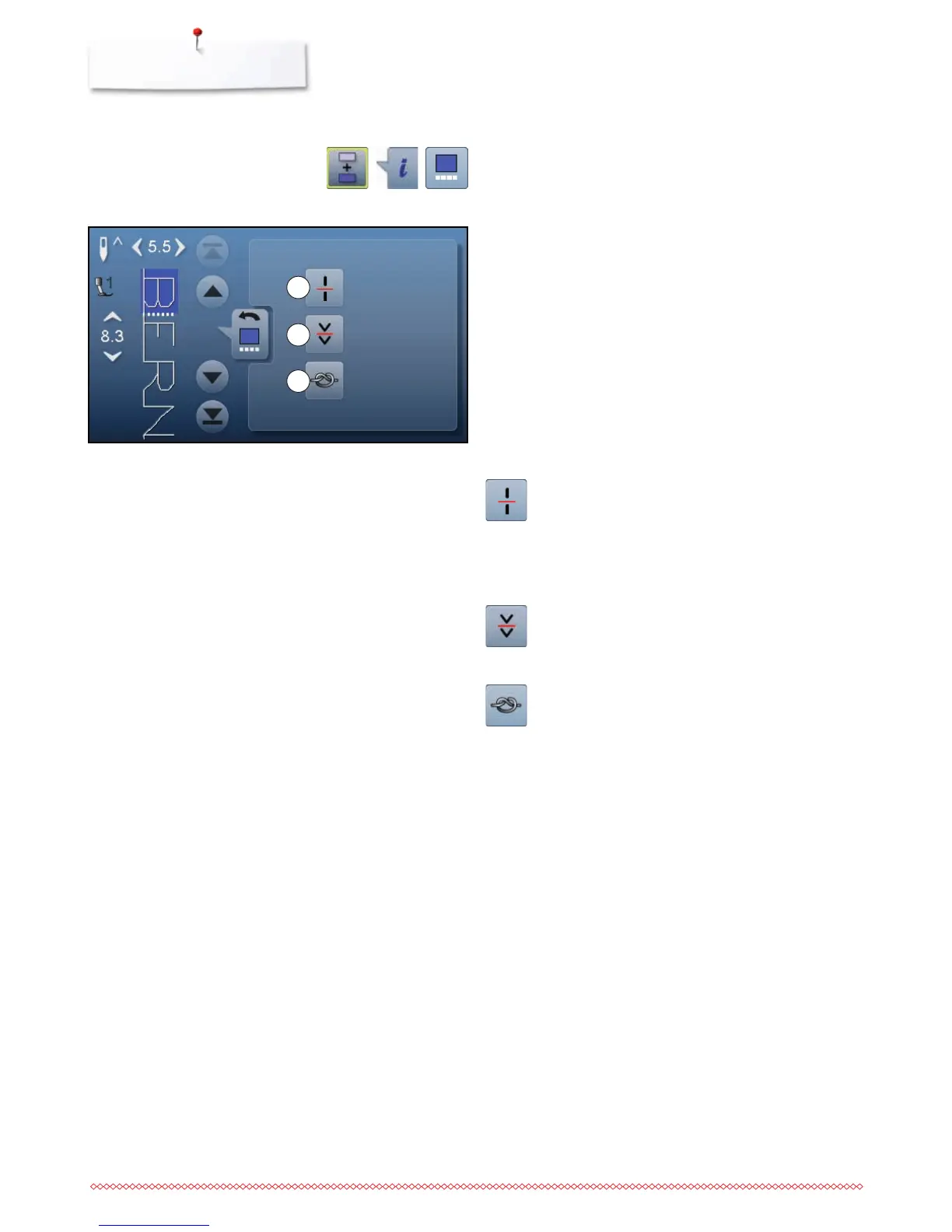
Functions
1 Combination subdivider (1)
2 Combination subdivider (2)
3 Securing
⦁
touch «Combi mode»-icon
⦁
select the stitch pattern
⦁
touch «i»-icon
⦁
touch «Cursor position»-icon
Combination subdivider (1)
each combination or memory folder can be
subdivided into several parts
only those parts where the cursor is located will be
sewn
to sew another part, the cursor must be placed into
this part
Combination subdivider (2)
each combination can be interrupted as desired
after stopping, the needle moves to the next part to
be sewn
Securing
program the function within a pattern combination
each individual pattern of the combination can be
secured at the start or the end
1
2
3



 To Next Page