Monitoring
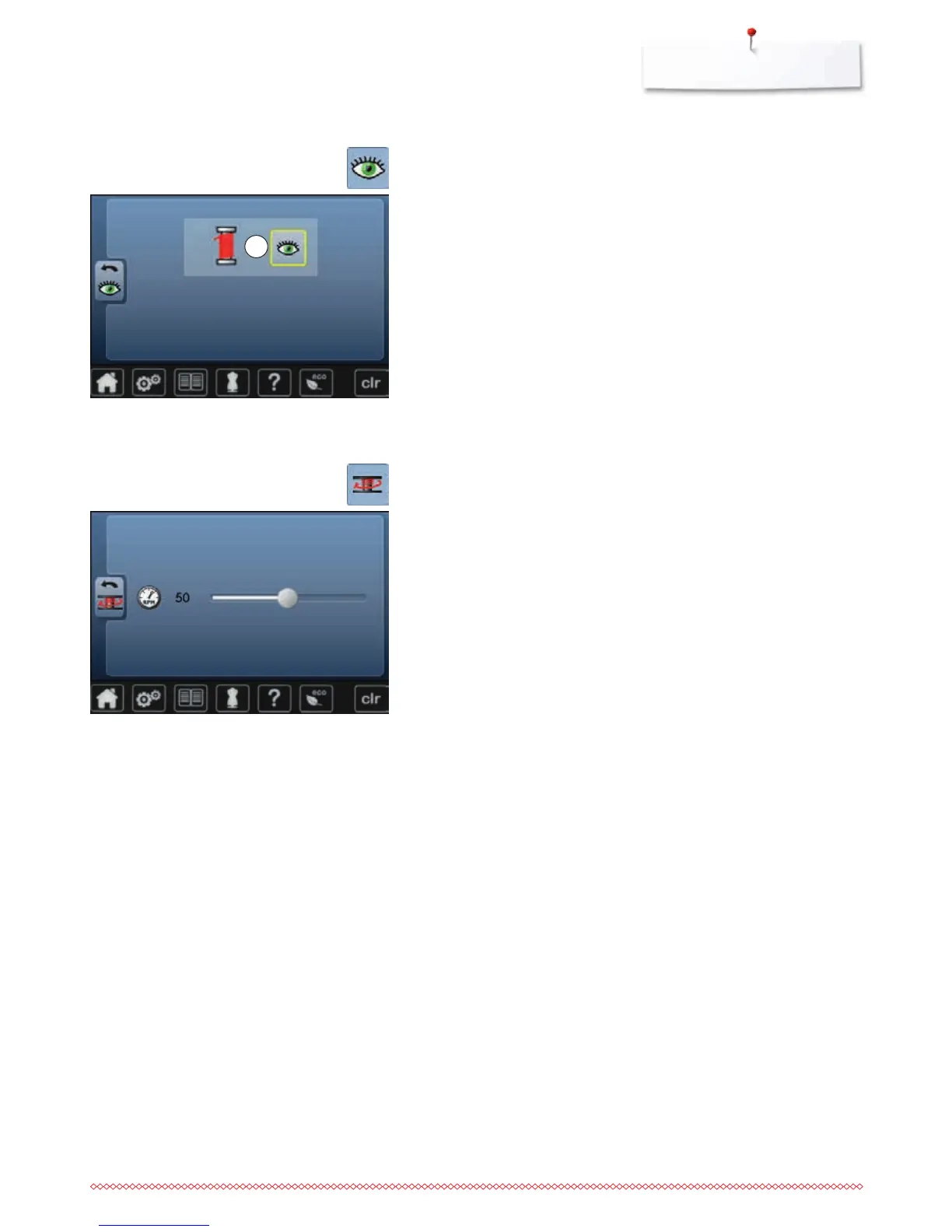
The following monitoring function can be activated or deactivated:
1 Upper thread indicator
Upper thread indicator
►
open eye = function active
⦁
touch «Open eye»-icon
►
closed eye = function inactive
The sound type for the monitoring functions is set in the audio settings for
functions.
⦁
touch «Monitoring»-icon
Altering the winding speed
⦁
move round knob in the Display to the left/right or
⦁
turn the stitch width knob
►
the winding speed is changed
⦁
touch «Winding speed»-icon
1



 To Next Page