⦁
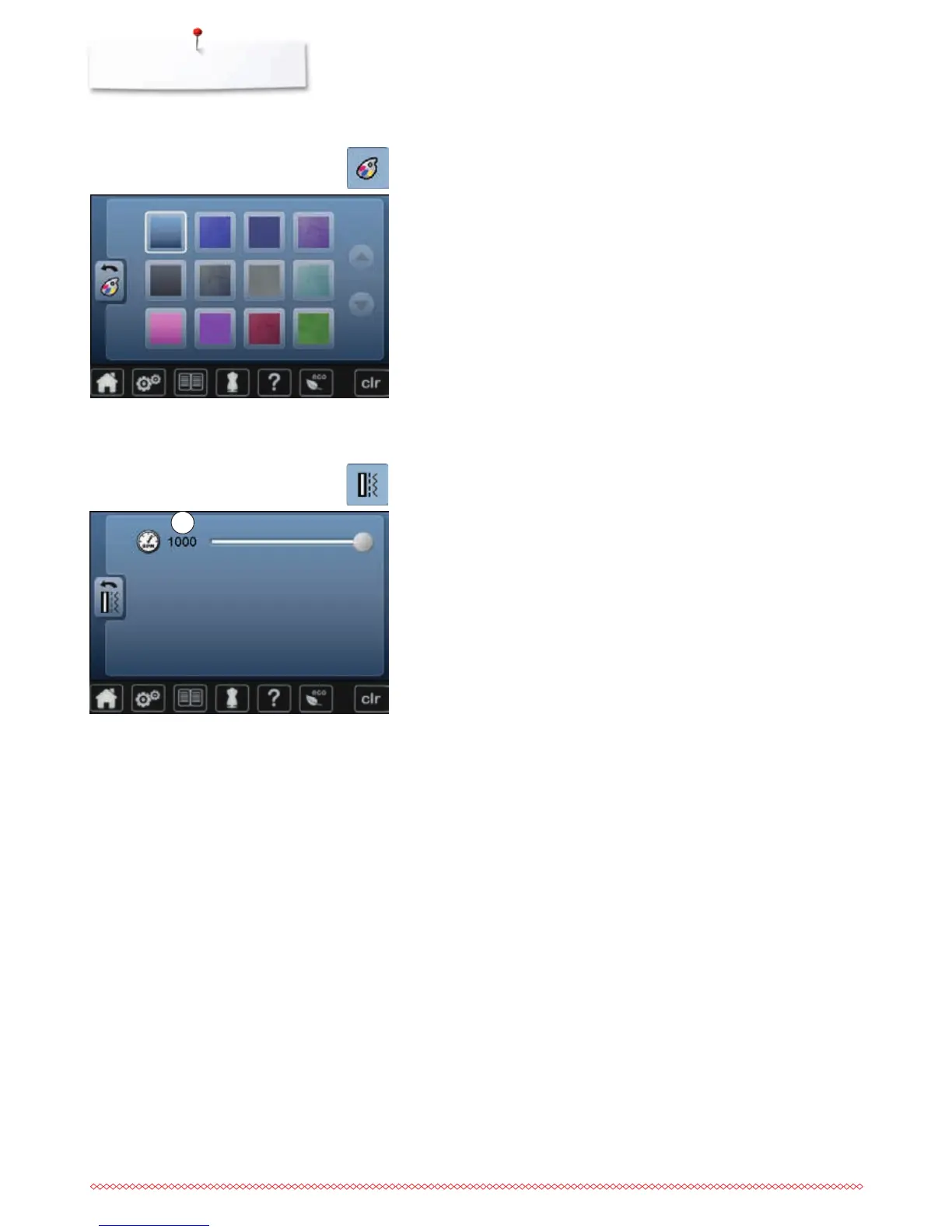
touch «Display color»-icon
⦁
select the desired display color
Selecting the Display color
Sewing settings
⦁
touch «Sewing setting»-icon
Sewing speed
⦁
move the round knob in the Display using the finger to the left/right using
the finger or
⦁
turn the stitch width knob
►
alters the maximal sewing speed 1
►
the number in the yellow-framed icon indicates the stitches per minute, the
basic value is indicated by a white line
⦁
pressing the yellow-framed icon = basic setting is restored
1



 To Next Page