⦁
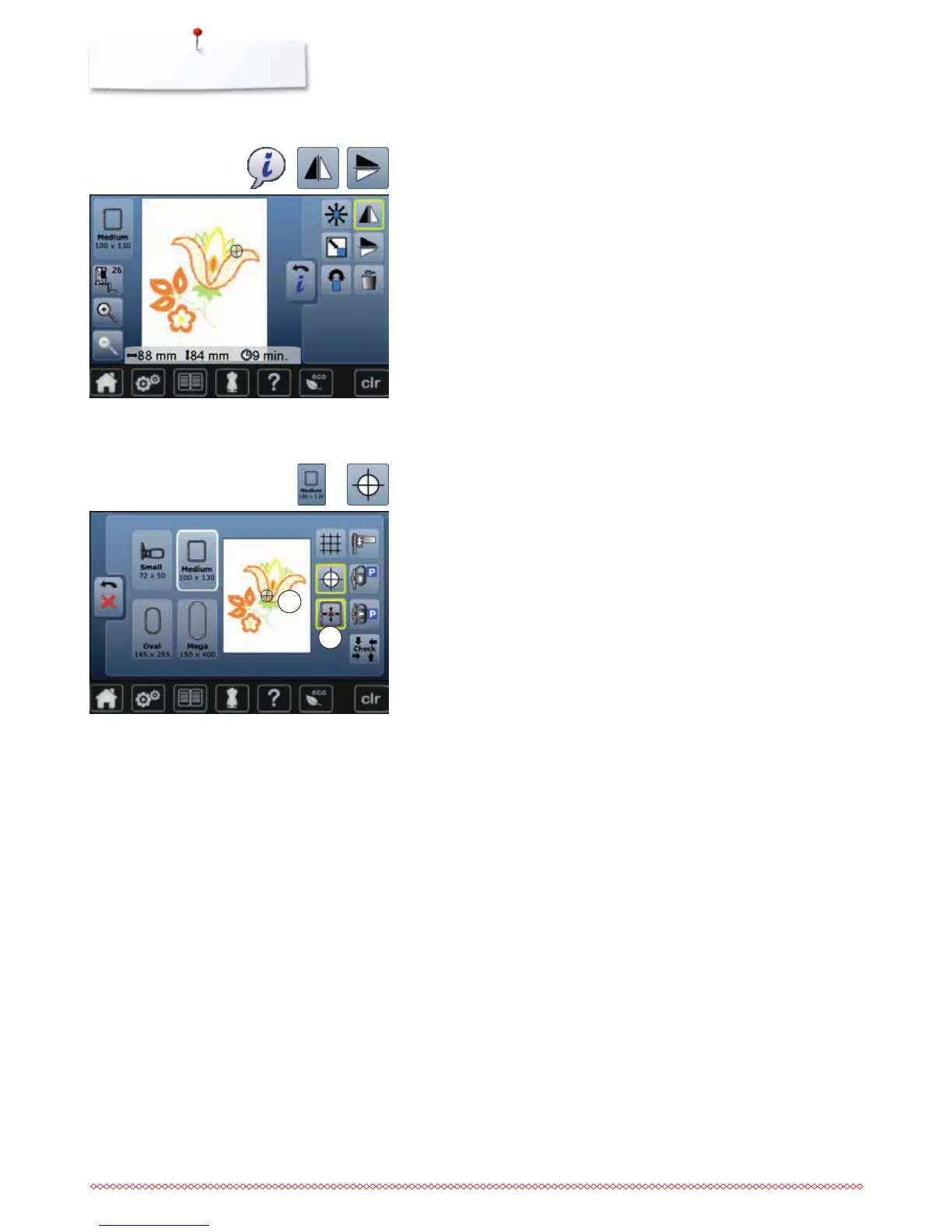
touch «Mirror image left/right»-icon
►
the motif will be mirrored horizontally
⦁
touch «Mirror image up/down»-icon
►
the motif will be mirrored vertically
⦁
touch «i»-icon
Mirroring motifs
►
center of motif 1 is shown in the the Display
►
the embroidery hoop is moved until the needle is positioned exactly in the
center of the embroidery motif when the function «Virtual positioning» 2 is
activated
⦁
touch «Motif center»-icon again
►
the first stitch of the motif will be marked again in the Display
⦁
touch «Select hoop»-icon
⦁
touch «Motif center»-icon
Motif Center
1
2



 To Next Page