7 Main Menu Device Setup LB 470 Level
56925BA2 Rev. 03, 11/2017
7.1.1 88BLocation
Device Setup | Identification | Location
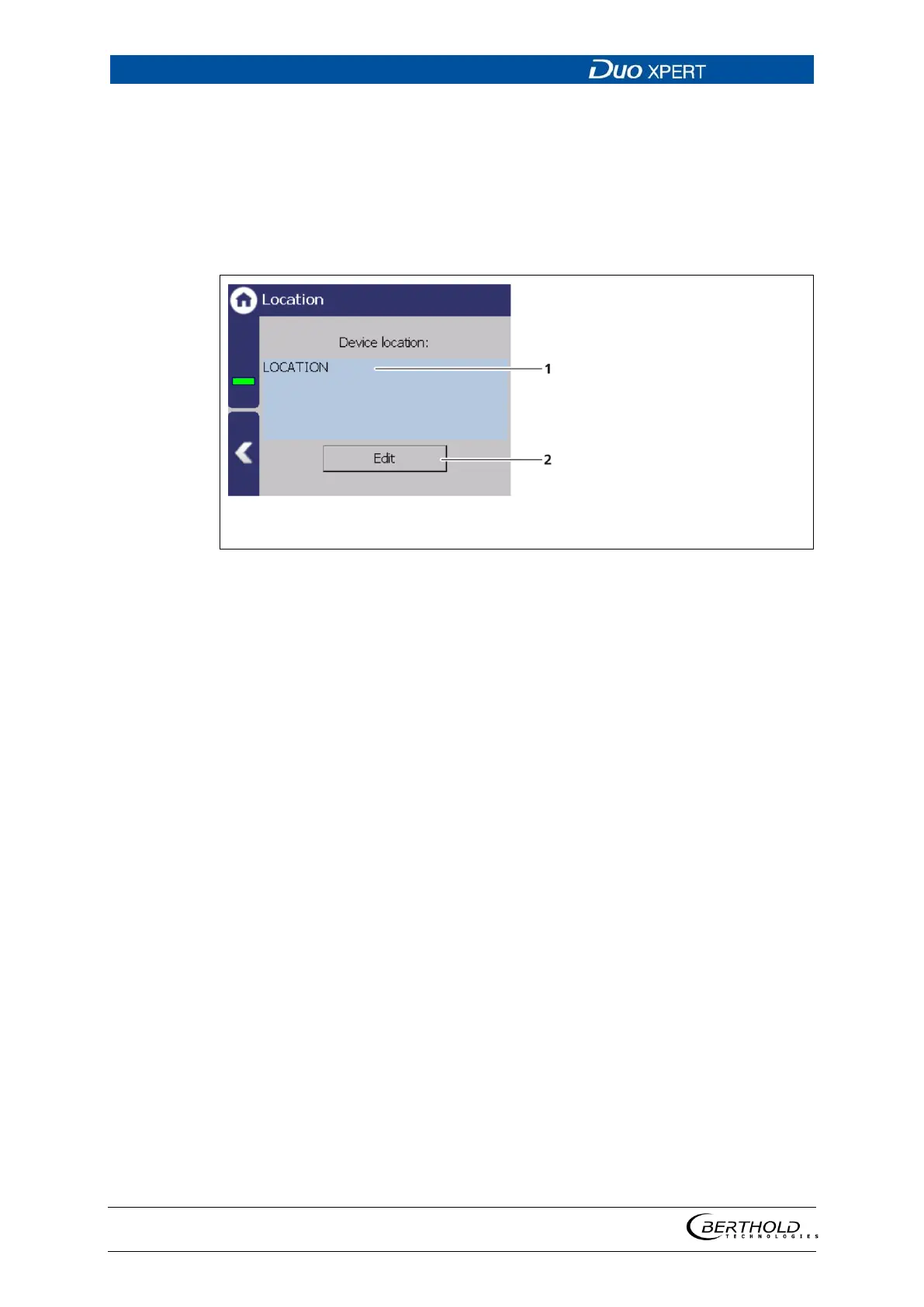
The location of the evaluation unit is displayed (Fig. 39, item 1) in the Location
menu. The name can only be edited (7.2 Menu Access) in the access level "Stand-
ard". The Location is displayed on the EVU standard display (Fig. 32, item 8).
Name Device location
Button <Edit>
40 Device location
1. Click <Edit> (Fig. 39, item 2) to open the input field.
2. Enter a location name for the evaluation unit.
3. Confirm with the Enter key.
The name has been changed.



 To Next Page