LB 470 Level 7 Main Menu Device Setup
56925BA2 Rev. 03, 11/2017
7.3.2 91BSensors
Device settings | Setup | Sensors
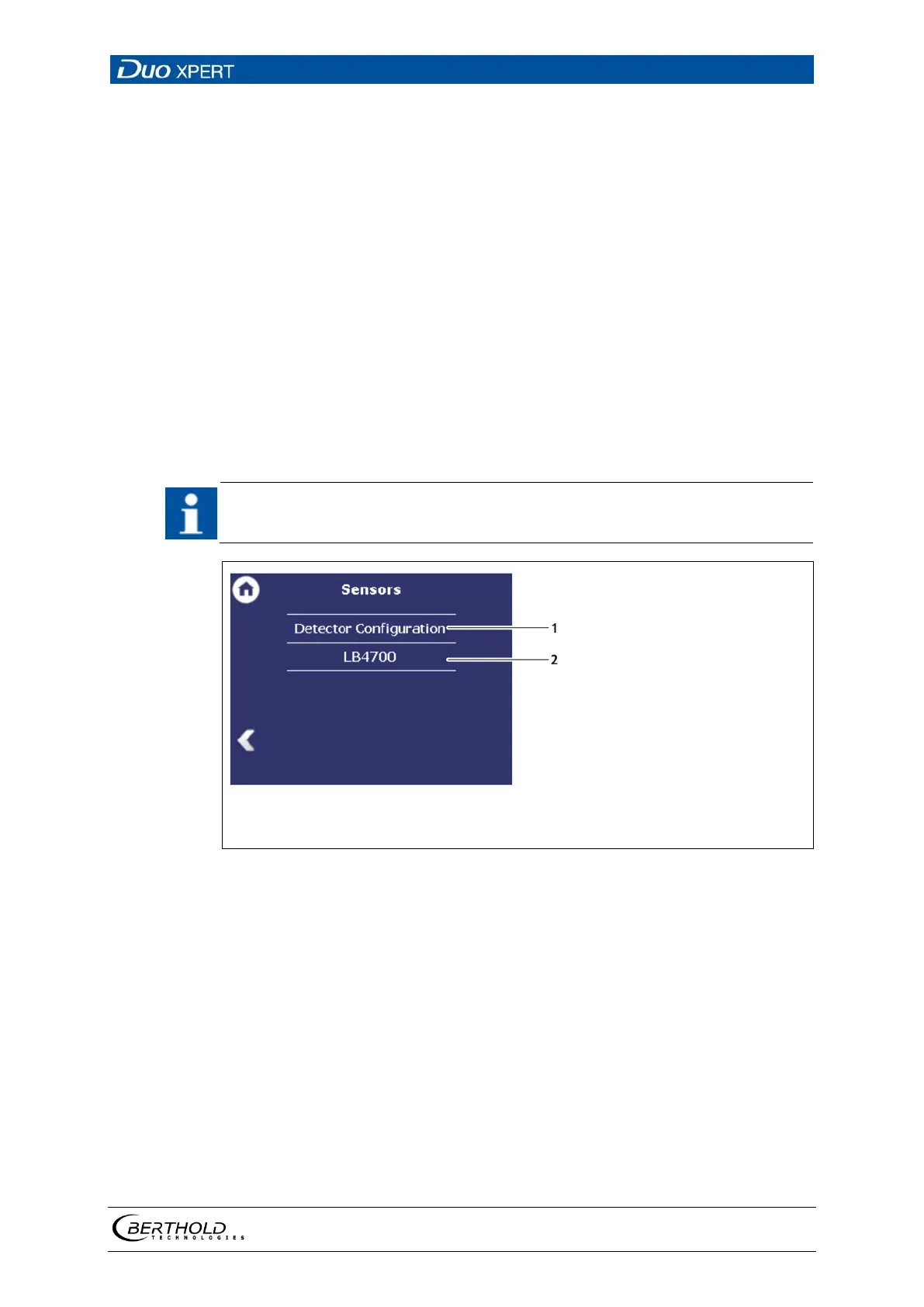
You can perform the following settings and read information in the submenu Sen-
sors:
• Detector configuration (Fig. 58, item 1)
o Add / Remove detectors
o Settings of the detectors
• Configuration of the respective detector (Fig. 58, item 2)
o Overview
o Plateau
o Temperature
o High voltage
o Detector Service
If the system does not detect a detector, then the sub-menu “Detector” cannot
be selected.
Detector configuration
Detector name (as entered in the detector description)
58 Menu "Sensors"



 To Next Page