117
1. Installing USB driver program
For Windows98 users, please follow the steps below to install USB driver program first .:
Insert the CD-Rom to CD driver disk of PC;
Click “USB Driver” → “USB Driver Windows98” to install (picture1);
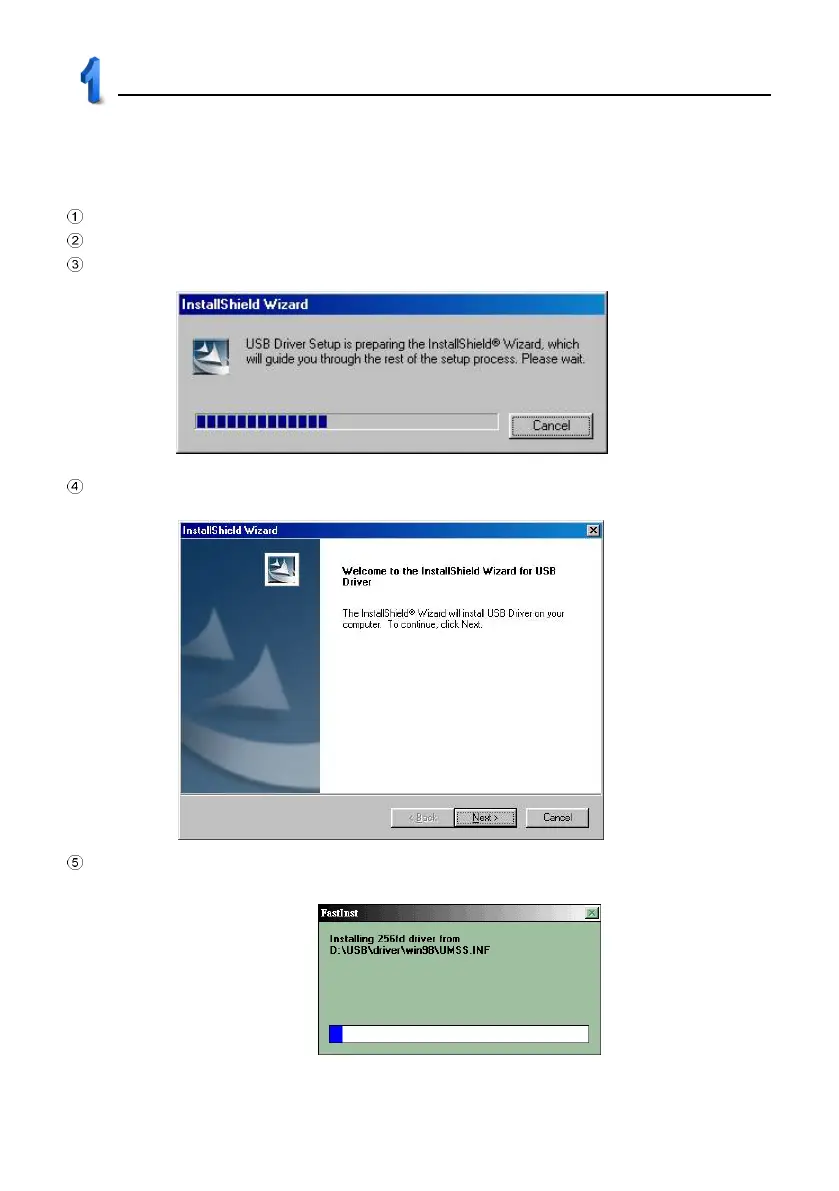
Prepare for InstallShield Wizard, please refer to picture 2;
The welcome screen appears as picture 3. Click “Next”
Start installing USB driver program (picture 4).
USB Driver Installation
2
3
4



 To Next Page