118
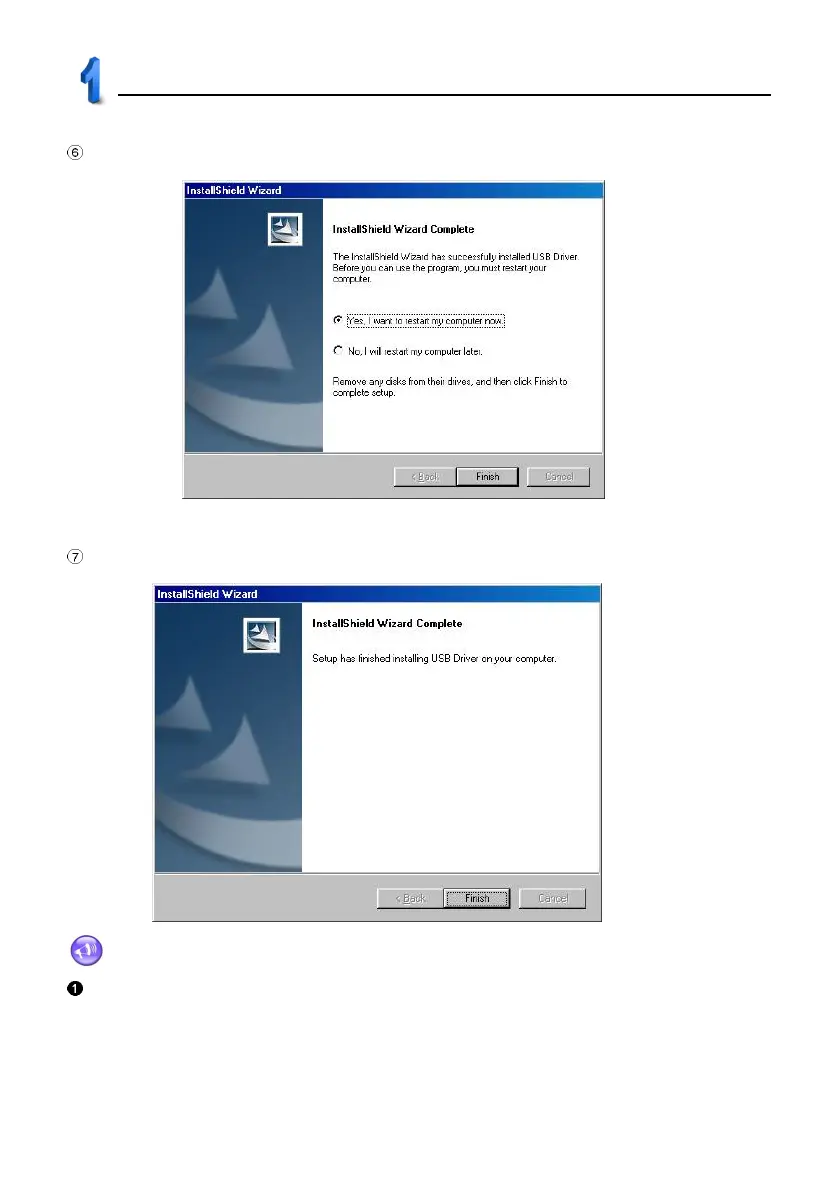
Picture 4-1 appears. Please select restart computer and click “Finish”.
Click "Finish" and finish USB driver program installing, as picture 4-2.
Notes:
For Windows2000 users, we suggest you install Windows 2000 Service Pack 3 program
provided by Microsoft. If installing Service Pack 3 program, you don’t have to install USB driver program;
otherwise, you have to install USB Driver program. Please select “USB Driver Windows 2000 readme” in
picture 1 to follow the instructions step by step.
4-1
4-2
USB Driver Installation



 To Next Page