119
4-3
For Windows2000 users, please access super administrator (Administrator) to log in.
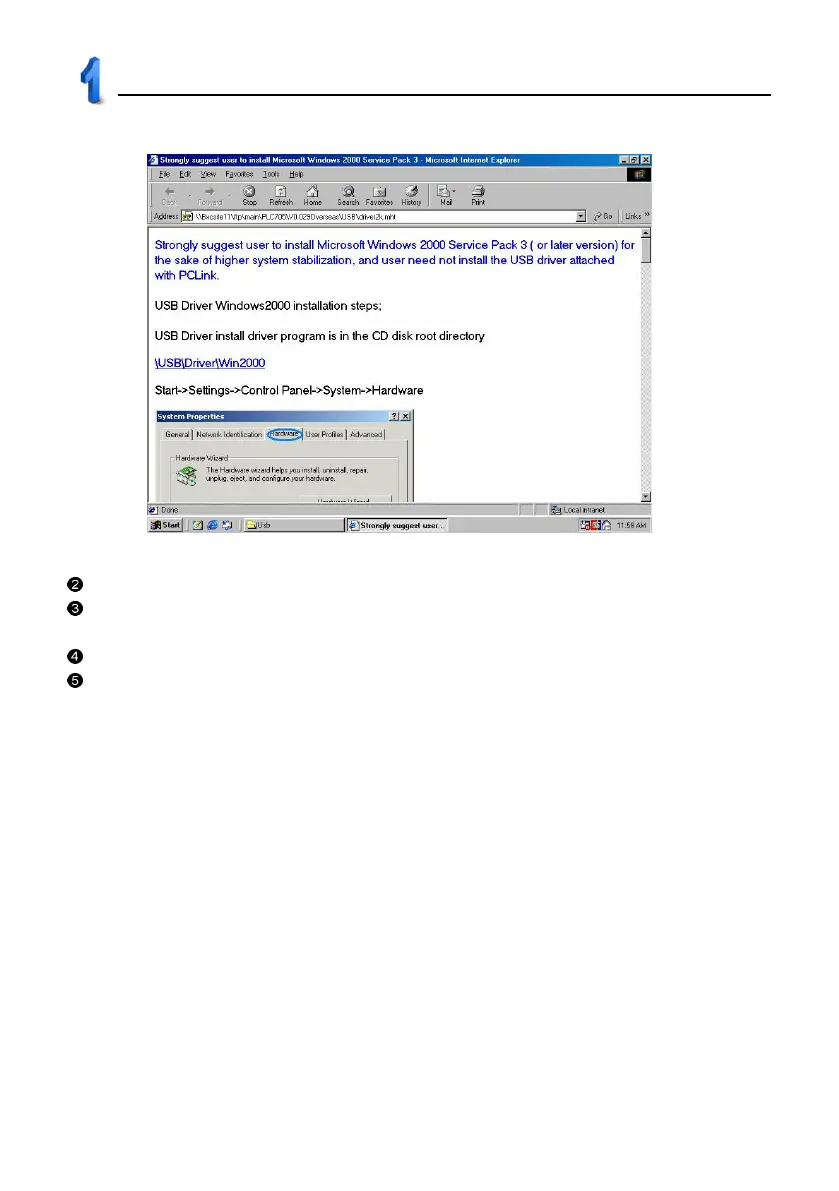
For Windows98 users who failed to auto install USB driver from CD, please select “USB Driver Windows 98
readme” in picture 1 to install it step by step manually.
For WindowsXP or WindowsMe users, the system supports USB. You don’t have to install it.
The USB function is not available for Windows95 or WindowsNT users.
USB Driver Installation



 To Next Page