120
PC Service Home Guide
Installation
2. PC Service Home Installation
PC Service Home provides eight functions: Pimtrans, Sync Center, Media Download, Backup and
Restore, CD Express, Open U-Disk, eBook Editor and Settings, which have following characteristics:
* Data transmission between PC and the unit synchronously.
* Backup and restore PIM data of Name Card, Memorandum and Schedule, etc.
* Edit and manage data of Anniversary, Schedule and Name Card.
* Download multimedia information of films, pictures and eBooks.
* Flash Sprite is a software which combines text, sound and picture.
* Share data between PC and the unit.
2.1 S/W & H/W Requirements before Installation
Besta PC Service Home program will be installed in your PC. Please make sure your PC
includes:
* Chinese traditional Windows98/ME/2000/XP system operation.
* CPU: Pentium (R) III 450MHz or better
* LCD: VGA 800*600 which is supported by Microsoft Windows or better.
* Better than the 5.5 version of Microsoft Internet Explorer.
* minimum 200MB of hard disk
* (Sound Blaster compatibility) sound effect card (driver properly installed).
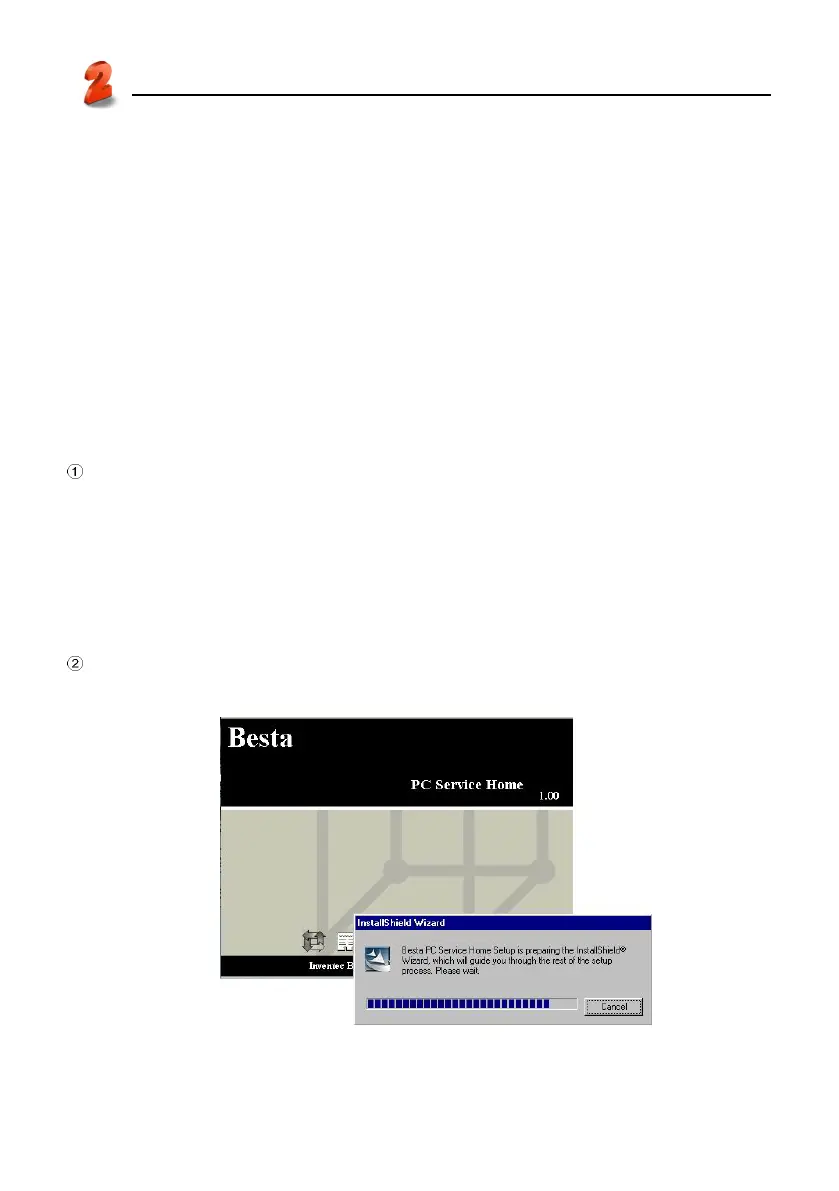
Insert the CD into the CD driver of PC, then tap “安裝 PC Service Home” to start installation.
(picture 5)
5



 To Next Page