135
PC Service Home Guide
E-Book Editor
3. Opening the E-Book Editor
E-Book Editor is a software combined with text, sounds and pictures. You may make a vivid and
interesting e-book and e-card by using the e-book editor to edit the animated cartons or pictures in
the CD/website. The E-Book Editor supports for 16 color and color picture. Come and install it right
now!
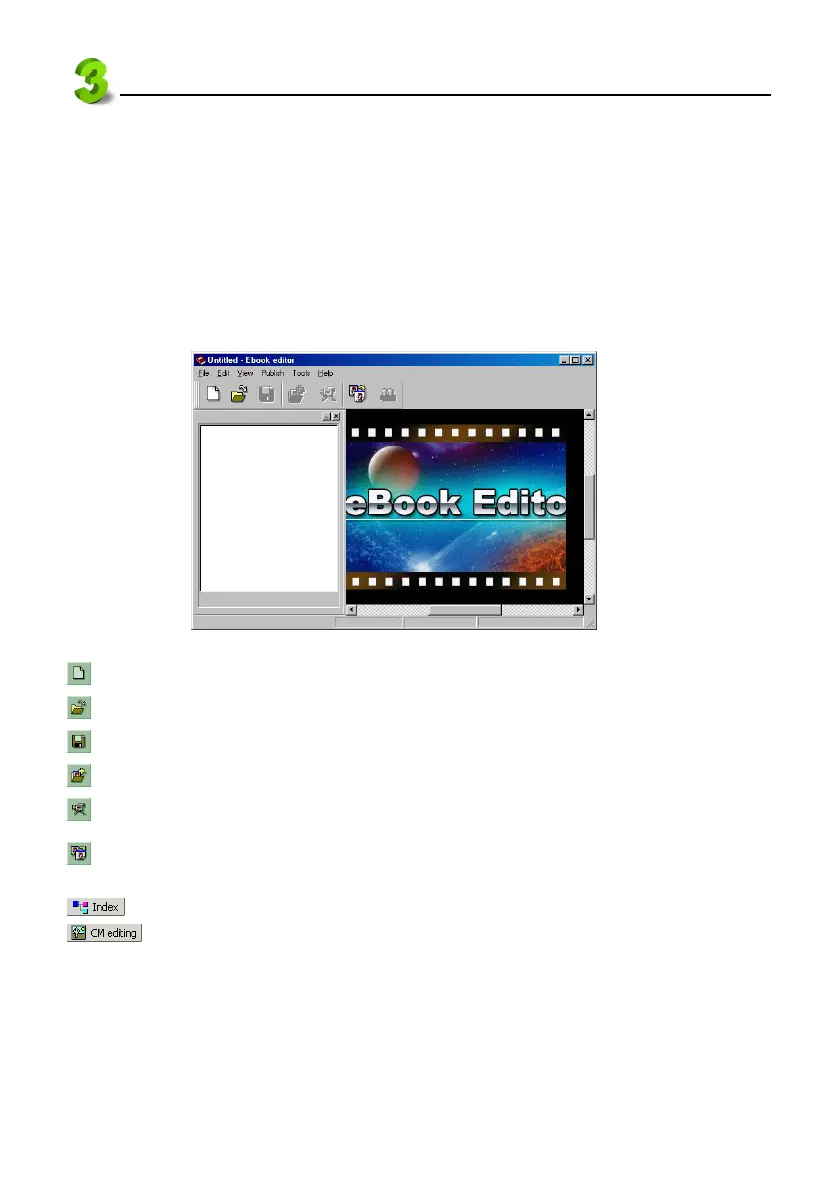
Directly click “ ” in Service Home to access the E-Book editor screen. If you have created a project,
then the screen as picture 27 will appears.
27
(Create a new cm file): To create a new project.
(Open existed file): To open an existed project.
(Save file): To save current project.
(Add cm): To add a new CM under the index of a project.
(Play e-Book file): To play e-Book with special effect.
(Convert images): To convert BMP, JPG file into HCA file (A special file format for e-Book
Editor.)
(Index): To switch to the index screen.
(CM editing): To switch to the CM edit screen.



 To Next Page