136
PC Service Home Guide
E-Book Editor
* Click to create a new project.
* Input “Project Name” (your name yourself)→ Select the model platform → click “OK”.
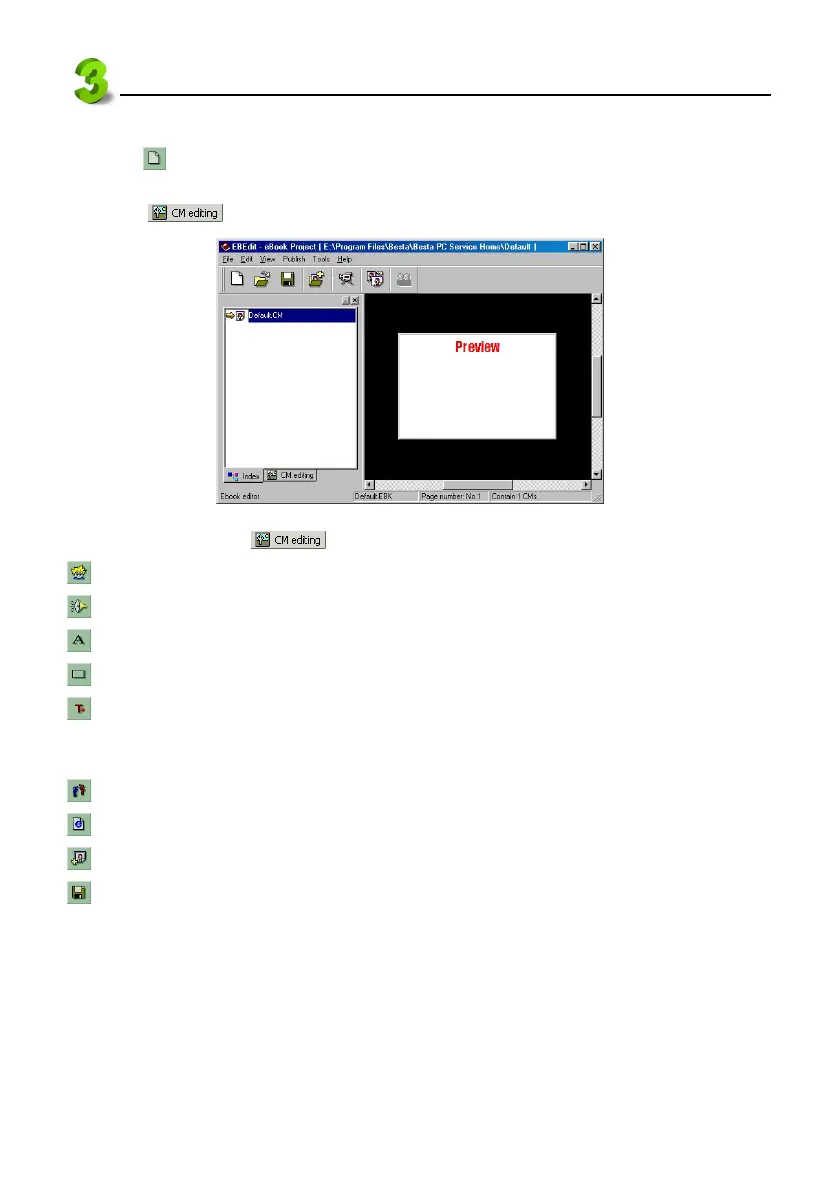
* Clink to switch to the CM edit screen.
28
In the [Main Frame], click
, the tool bar below appears:
(insert image): To insert picture or animated carton in the current CM.
(insert sound): To insert MP3 file in the current CM.
(insert text): To insert text in the current CM.
(insert text button): To insert button in the current CM.
(insert output control): You may use macro to optimize your e-Book. For definition about macro,
variable, function, please click “Help” menu → “Content” to view “Make your own e-Book” →
“Develop e-Book” (see picture 28).
(Set [start/end] Moving path): To set text or image moving path.
(Insert HTML text): To import HTML file.
(Append a page): To append a page in the current CM (section).
(Save file): To save the current CM.
click “Help” menu → “Content” to view “Make your own e-Book” → “Develop e-Book”.



 To Next Page