141
PC Service Home Guide
E-Book Editor
3.4.3 Loading a background color
Select “Section 1” or to add a new section.
Click from the tool bar.
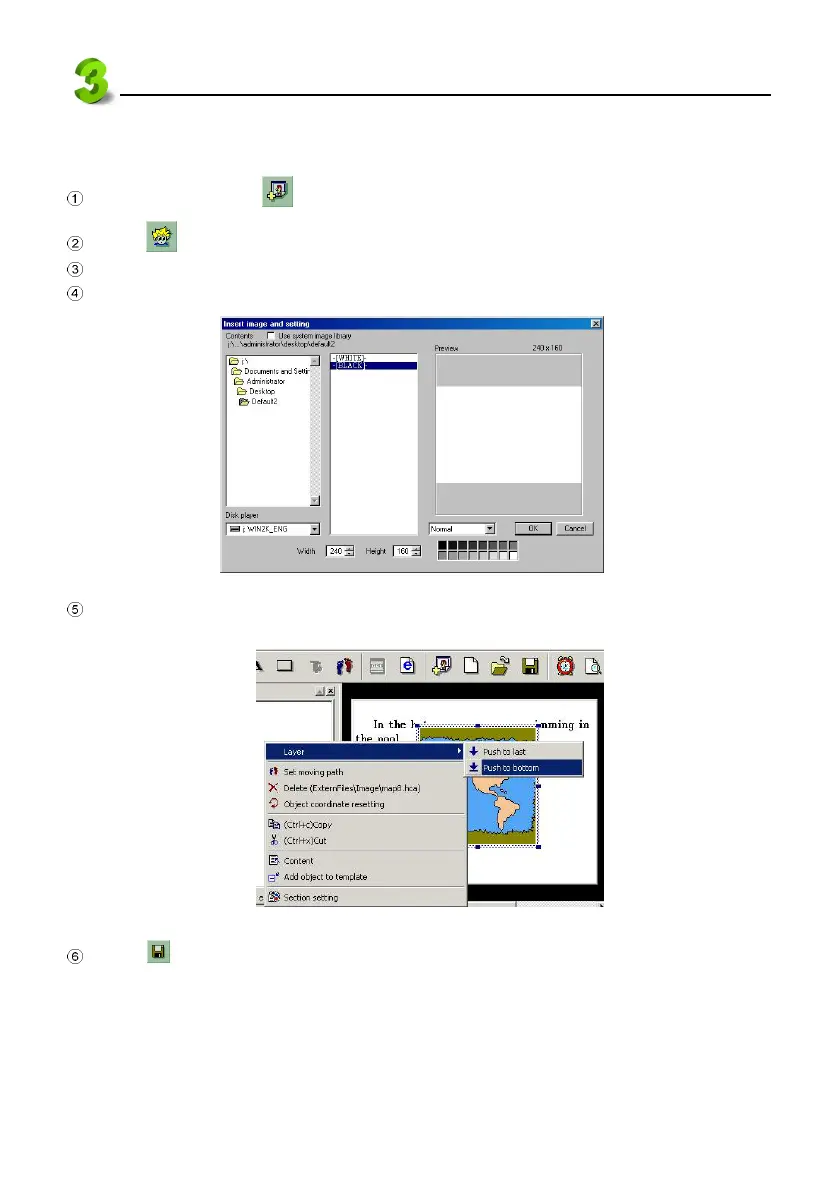
Click “-[BLACK]-”, then select color from the color plate at the bottom of the picture.
Click “OK” (see picture 36).
36
Right click the mouse at the editing area. Select “Layer” from the pull-down menu, then select
“Push to bottom”. (see picture 37).
37
Click from the tool bar to save the file.



 To Next Page