BestCode Next Series 8 Technical Manual October 2022 Page 232 of 290
BitFontEditor
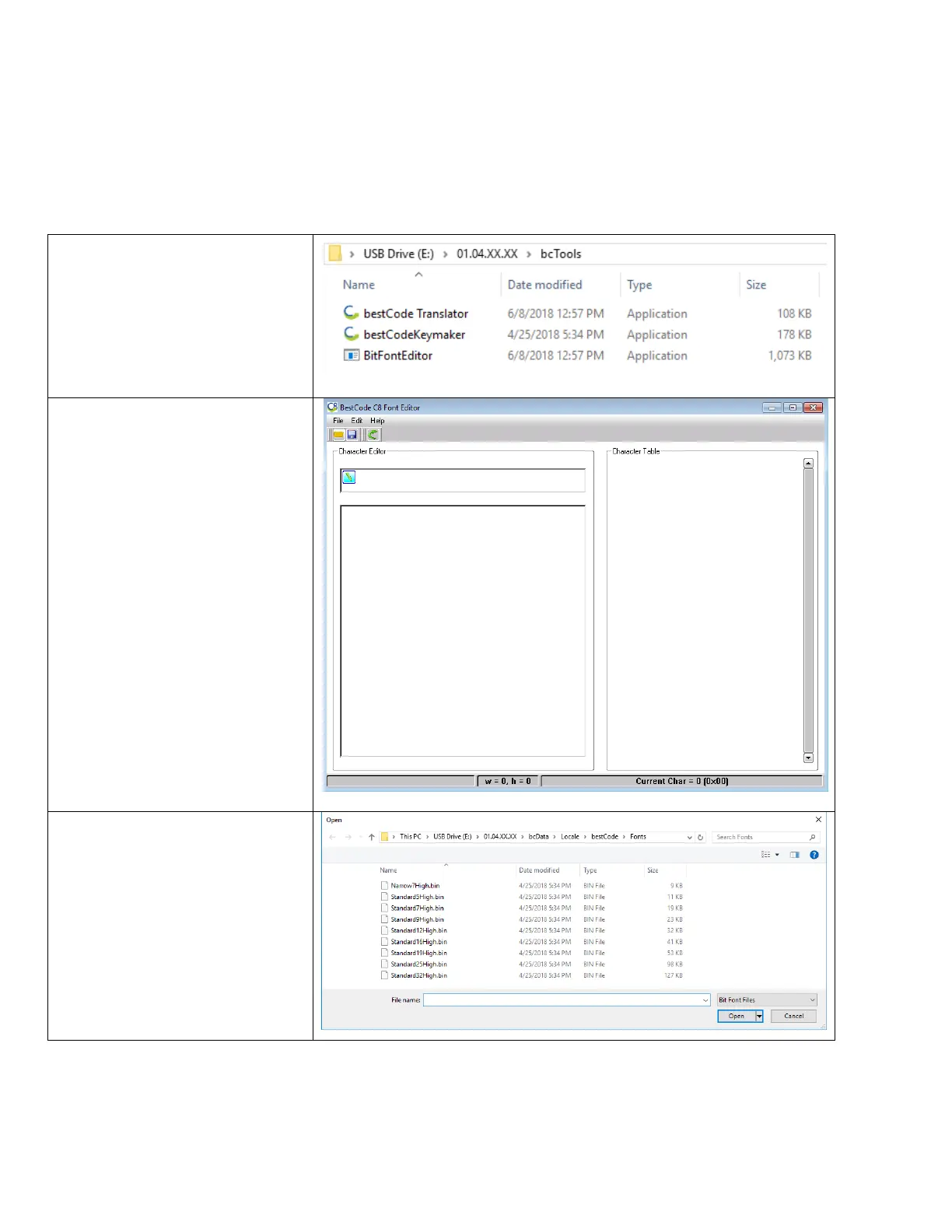
Fonts can be modified using the BestCode Font Editor. Fonts are then transferred to the machine using the USB drive and
the “Restore Font” feature.
Font Editor
The font editor tool is used to create and edit printable fonts on the Series 8 CIJ. This can be used to customize individual
characters to customer requirements.
Fonts are saved by template, and characters must be modified 1 template at a time.
3. Press the File button, the Open
4. Navigate to the Fonts folder
USBDRIVE>01.XX.XX.XX>
bcData>Locale>bestCode>
Fonts
5. Select and Open a font to edit.



 To Next Page