EasyManua.ls Logo

BestCode NExT 88SHS - Advanced Settings

Default Icon
305 pages
Print Icon
To Next Page IconTo Next Page
To Previous Page IconTo Previous Page
Loading...
BestCode Next Series 8 Technical Manual October 2022 Page 38 of 290
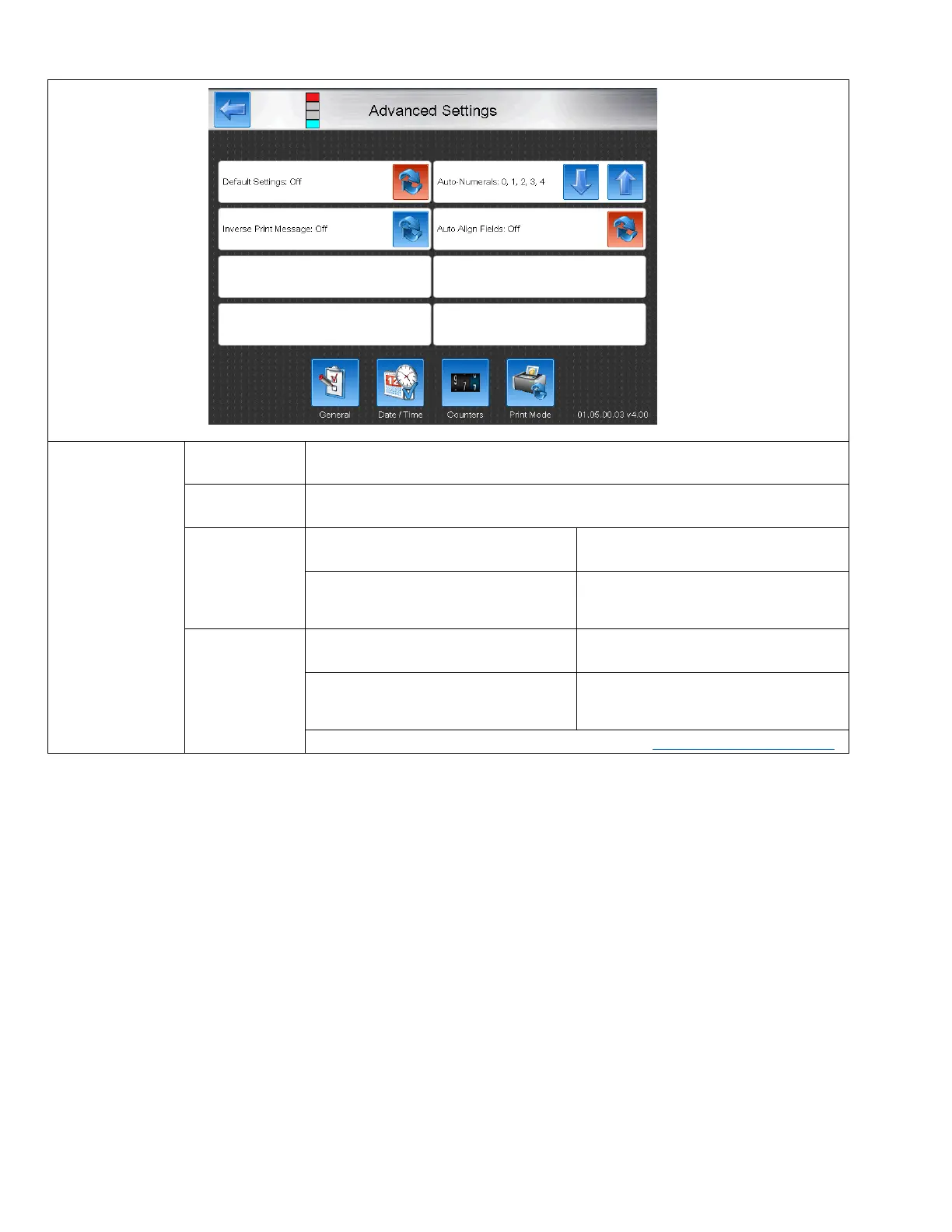
Advanced Settings
General
Default Settings
Sets the settings from the message settings as the default for all future created
messages.
Auto-numberals
Changes the number set for all Autocodes in the message.
Inverted Print
On
Off
Prints all of the area that would
normally be blank and leaves the
character un-printed.
Prints the character normally.
Auto Align
Fields
Off
On
Fields will remain in positional as exactly
set by the operator.
Fields will automatically align to elimate
overlap and also reduce spacing
between fields to 0 rasters.
A video guide for Auto Align Fields can be found here: https://youtu.be/ifn1iT4TBxg

Table of Contents

Related product manuals