BestCode Next Series 8 Technical Manual October 2022 Page 54 of 290
Setup up programmable values to use in Autocode Date codes in the message.
Allows use of the Hirji Lunar Calender with Hirji Offset.
Setup up programmable values to use in Autocode Time codes in the message.
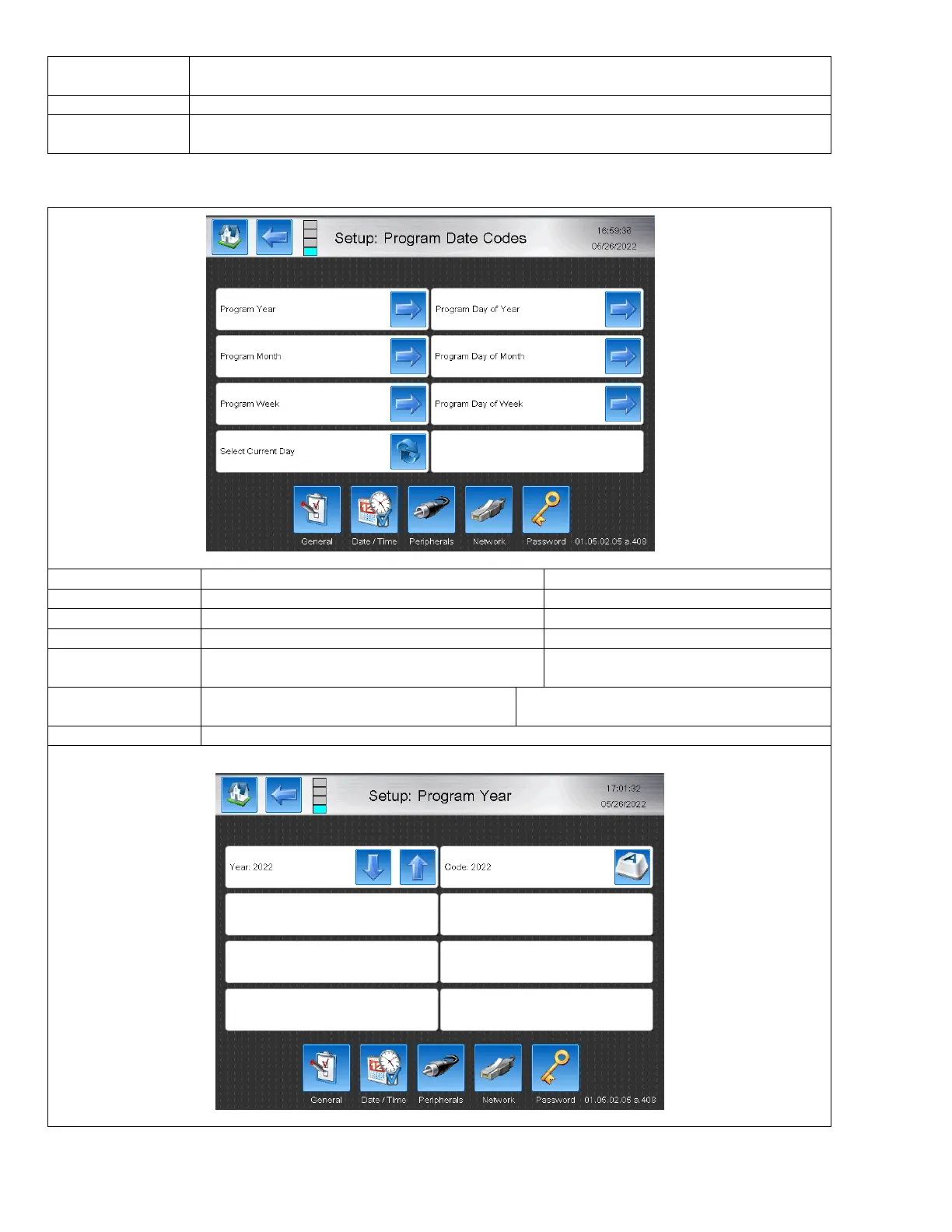
Setting up Program Date Codes
Allows for custom coded Year Codes.
Defaults to the current year
Allows for custom coded Month Codes
Jan, Feb, Mar… etc are standard
Allows for custom coded Week of the Year codes.
Allows for custom coded Day of the Year codes
Allows the day of the month to be changed
1,2,3,4… etc are standard
Allows the day of the week to be changed
Sunday = 1, Monday = 2, Tuesday = 3… etc are
standard.
Returns all of the Program Pages back to todays date. Does not reset the values to default.



 To Next Page