BestCode Next Series 8 Technical Manual October 2022 Page 55 of 290
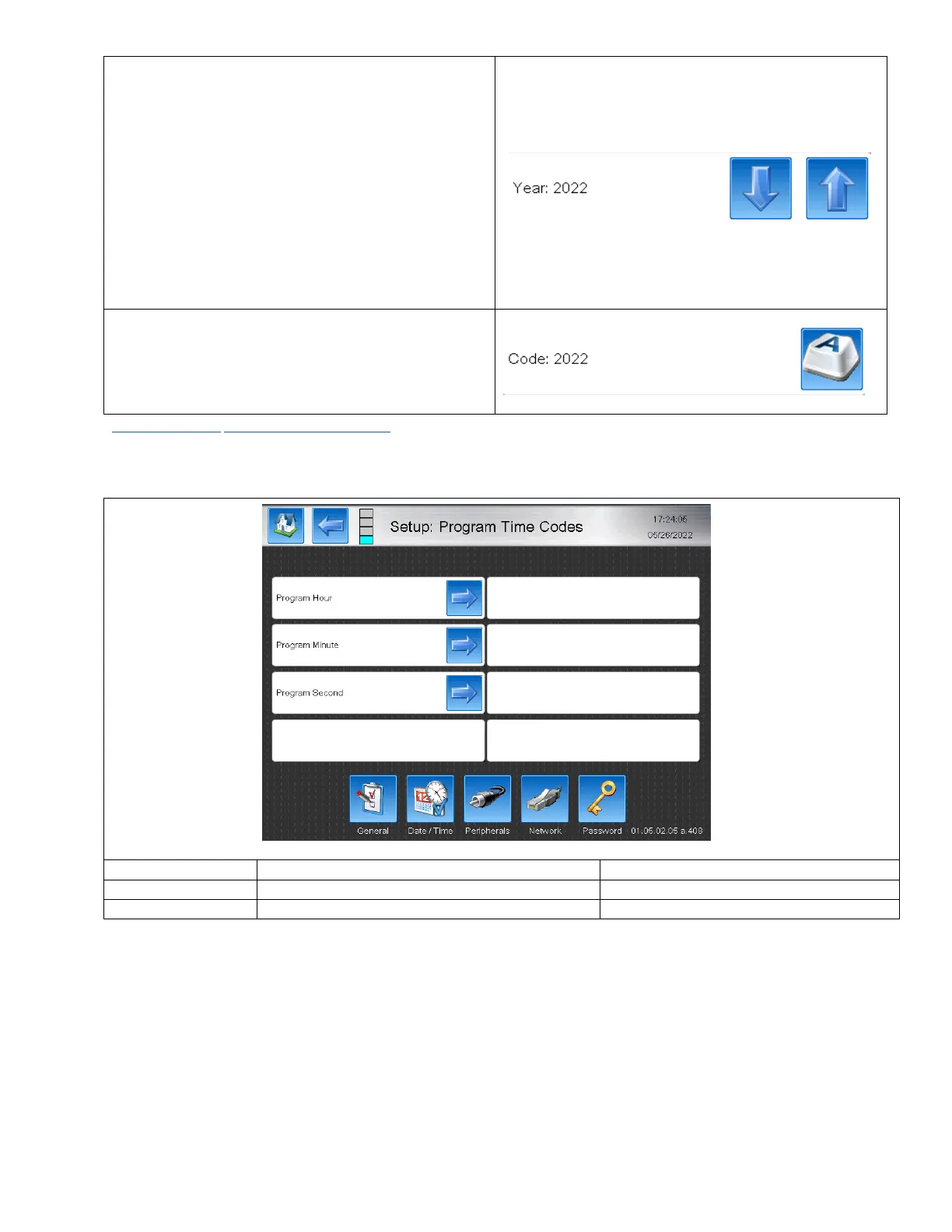
Each Program Page will have 2 editing windows. The Top
Left Window (as pictured above says “Year: 2022”).
In each of the pages, this will say:
• Year
• Month – M – MMM
• Week – WW
• Day of Year – DDD
• Day of Month – DD
• Day of Week – D – DDD
These are used to select a specific date to customize the
code for.
The Top Right Window says “Code” on every Program
Page. This area allows for inputting the alternative code
that will coorespond to the currently selected value in the
Top Left Window.
_AutoCode_Field Return to AutoCode Fields
Setting up Program Time Codes
Allows for custom coded Hour Codes.
Allows for custom coded Minute Codes
Allows for custom coded Second codes.



 To Next Page