BestCode Next Series 8 Technical Manual October 2022 Page 68 of 290
Checks the Firmware Image on the USB stick to ensure that it is not corrupt.
Load Firmware Via USB. This is a 10 minute process and instructions can be found Here
Used to test a Makeup SmartFill Label to ensure it is valid. Does not consume or damage the
SmartFill Label.
Used to test an Ink SmartFill Label to ensure it is valid. Does not consume or damage the
SmartFill Label.
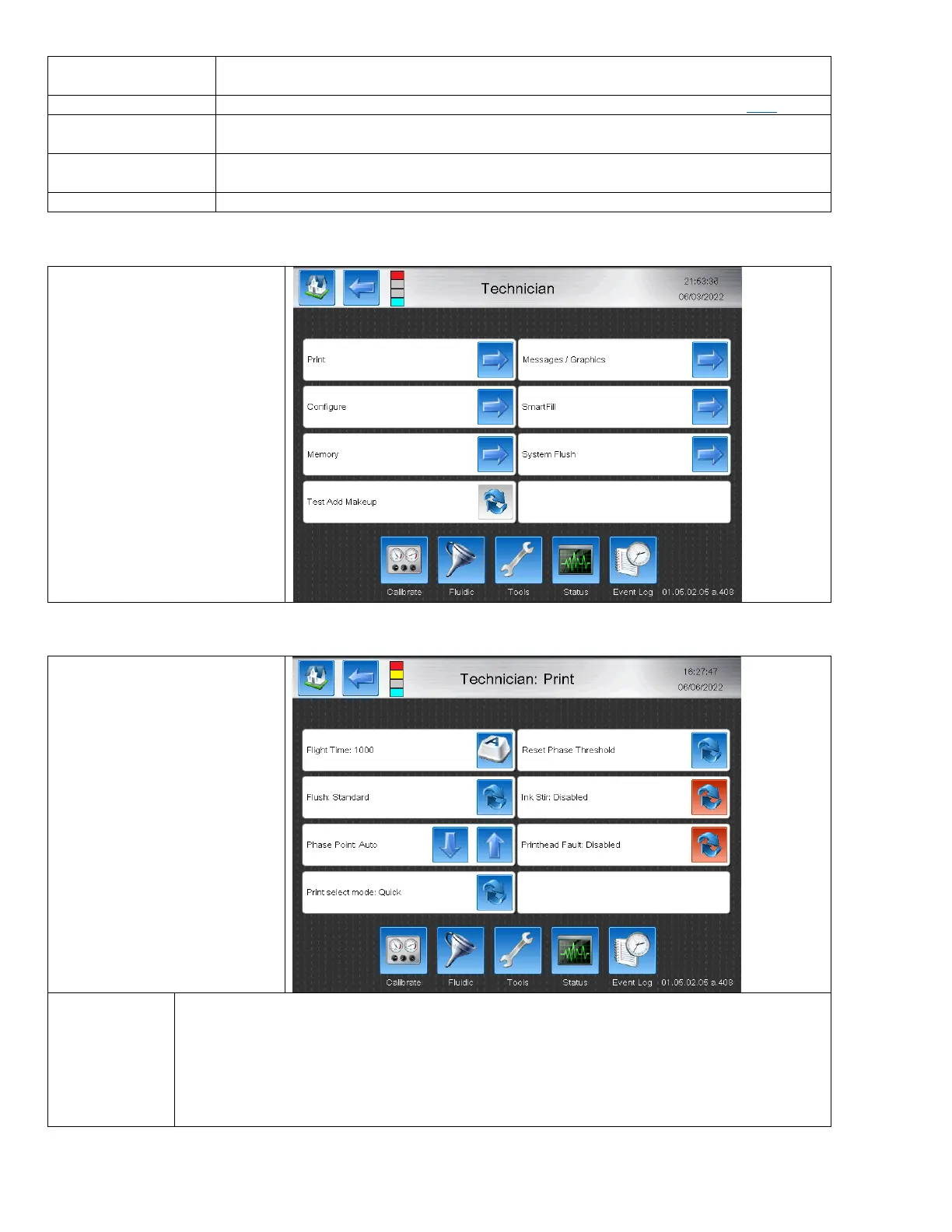
Accesses technician tools. Must be logged in using Technician Level Password.
The Technician screens are locked
by the technician level password
and should only be accessed by
trained technicians.
The features in this area are used
to modify high level printer
functions and perform tasks that
are not necessary for daily
operator use.
Print features are used to modify
high level functions related to
printing and jet start/stop.
Adjusts the inherent time delay between print request and print occurring. This is critical in
applications where print placement must be exact while the conveyor is moving at variable speeds.
Adjustment will be necessary to get print perfect between low and high speeds. Encoder is required.
The recommendations provided will need fine adjustment based on the printhead setup. These are
good starting points based on your setup distance.



 To Next Page