KB / KB-UL (E4 + E6) 10/2021 page 38/147
7.1 Switching on or off the optional zero-voltage relay control outputs
For chambers equipped with zero-voltage relay outputs (available via BINDER INDIVIDUAL Customized
Solutions, chap. 19.5), you can switch on or off the output via the controller.
To access the setting menu for the operating modes “Fixed value” and “Control off”, go to
Menu > Optional equipment > Zero-voltage relay control outputs.
The setting for program operation is done through the program editor (chap. 9.3.7).
08.03.2015 05:05:06
Submenu “Zero-voltage relay control outputs”.
The current switching state of the zero-voltage relay
control outputs is indicated. To change it, select the
desired control output
and press the operating button.
The modified switching state is displayed.
“Control output: Off” = zero-voltage relay output de-
activated
“Control output: On” = zero-voltage relay output acti-
vated
..\ Zero-voltage relay control outputs
Close Home
Go back to the initial view with “Home”.
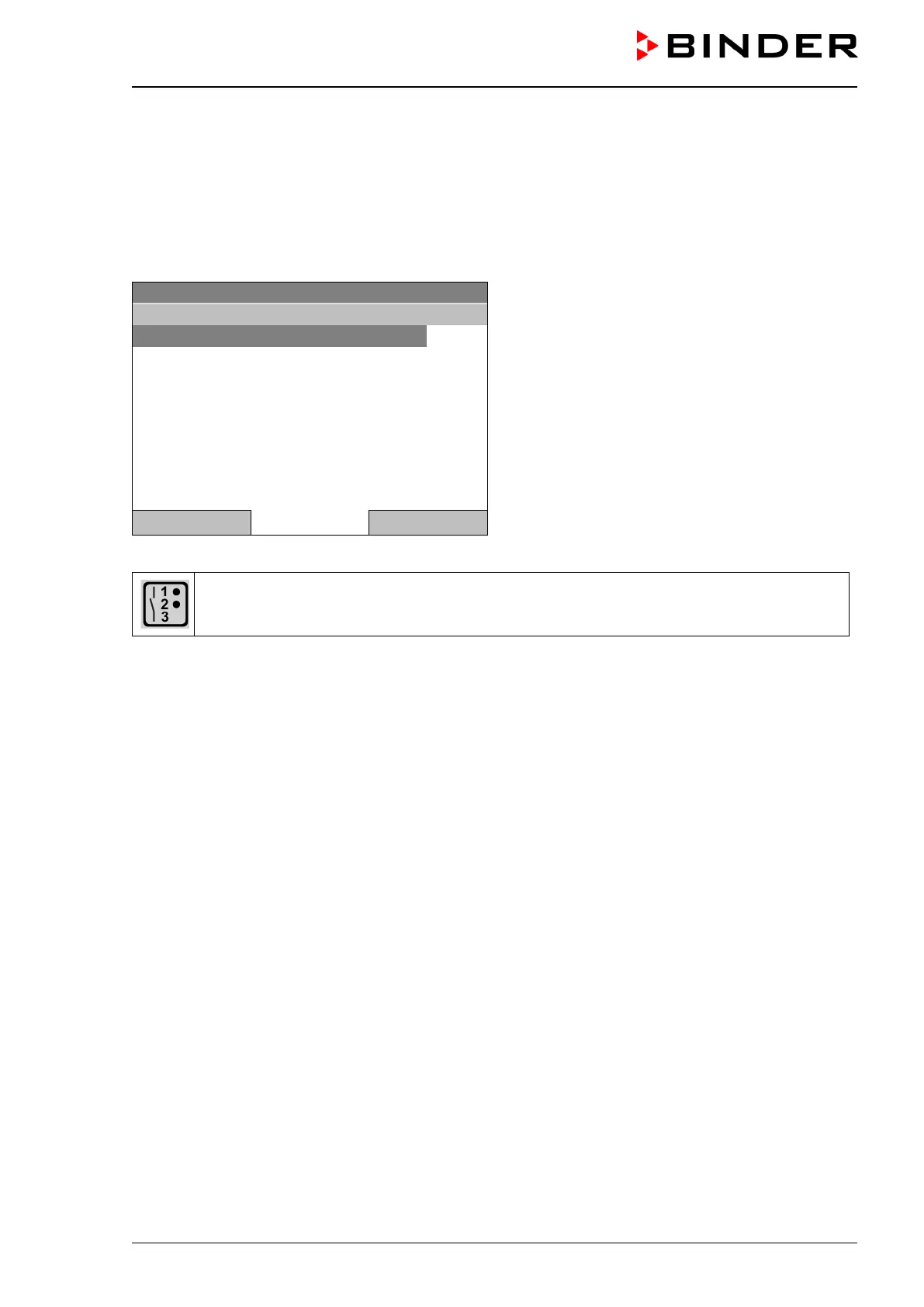
A symbol on the controller display indicates the switching state of the three zero-voltage re-
lay control outputs, as soon as at least one control output is activated
(example: control outputs 1 + 2 activated)








 To Next Page