EasyManua.ls Logo

Binder KB - Parameter Selection for Week Programs

Binder KB
147 pages
Print Icon
To Next Page IconTo Next Page
To Previous Page IconTo Previous Page
Loading...
KB / KB-UL (E4 + E6) 10/2021 page 74/147
10.3.7 Calling up the next parameter
Fixed value
08.03.2015 05:05:06
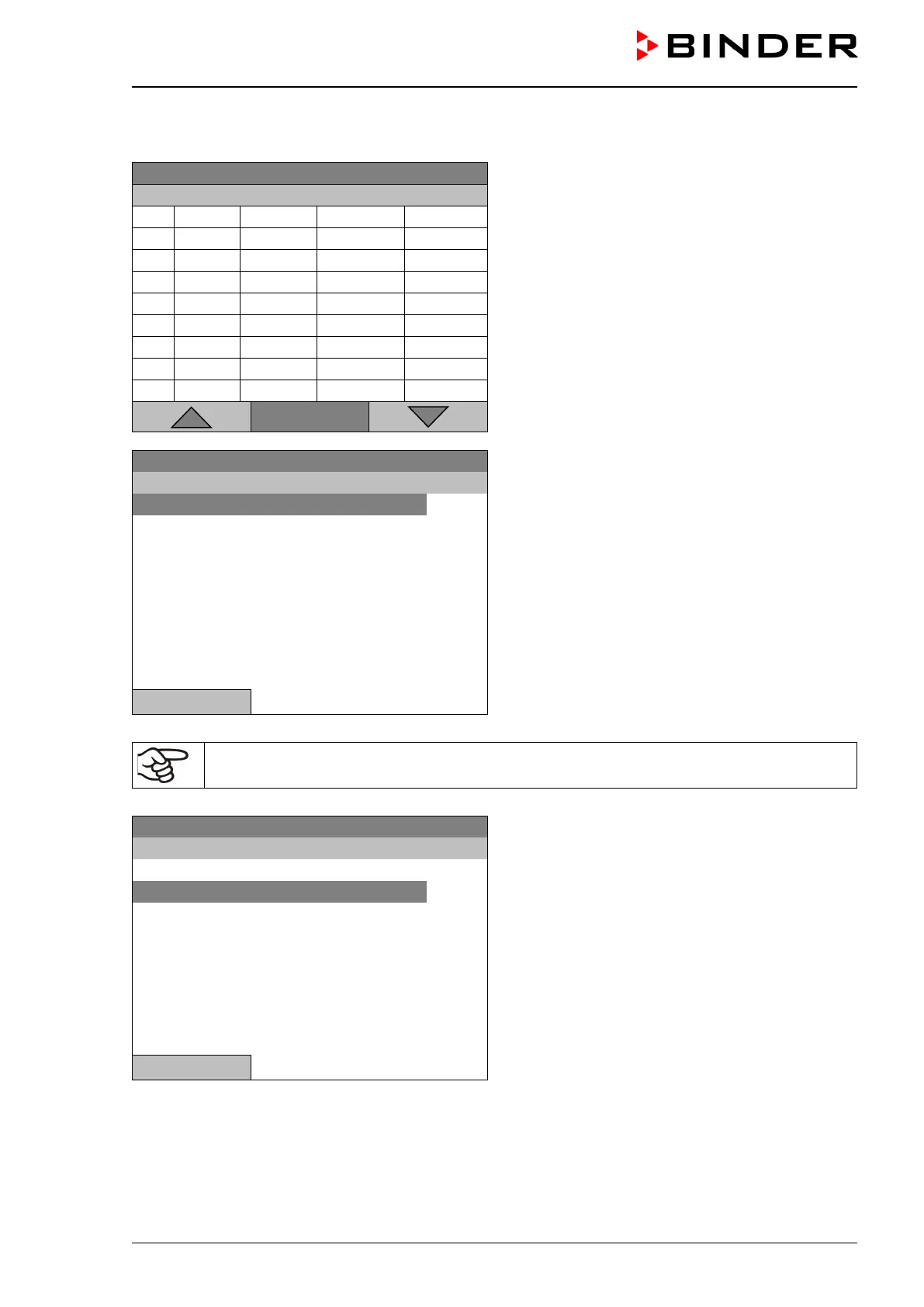
Week program editor (example).
Press the “Menu” button.
..\ Temperature controller
No.
Value
Day
H:M:S
Activity
1
35.00
Monday
08:00:00
Active
2
40.00
Monday
10:00:00
Active
3
35.00
Monday
18:00:00
Active
4
10.00
Monday
20:00:00
Active
5
35.00
Tuesday
08:00:00
Active
6
40.00
Tuesday
10:00:00
Active
7
35.00
Tuesday
18:00:00
Active
8
10.00
Tuesday
20:00:00
Active
Menu
Fixed value
08.03.2015 05:05:06
Submenu “Program menu”.
Select “Select parameter
and press the operating button.
..\ Program menu
Select parameter
Save and exit
Save and run
Exit (without saving!)
Close
With the „Close“ button, The controller returns to the week program editor.
Fixed value
08.03.2015 05:05:06
Submenu “Program parameters”.
Select “Fan speed”
and press the operating button.
..\ Program parameters
Temperature controller
Fan speed
Close

Table of Contents

Related product manuals