KB / KB-UL (E4 + E6) 10/2021 page 31/147
6.1 Menu structure
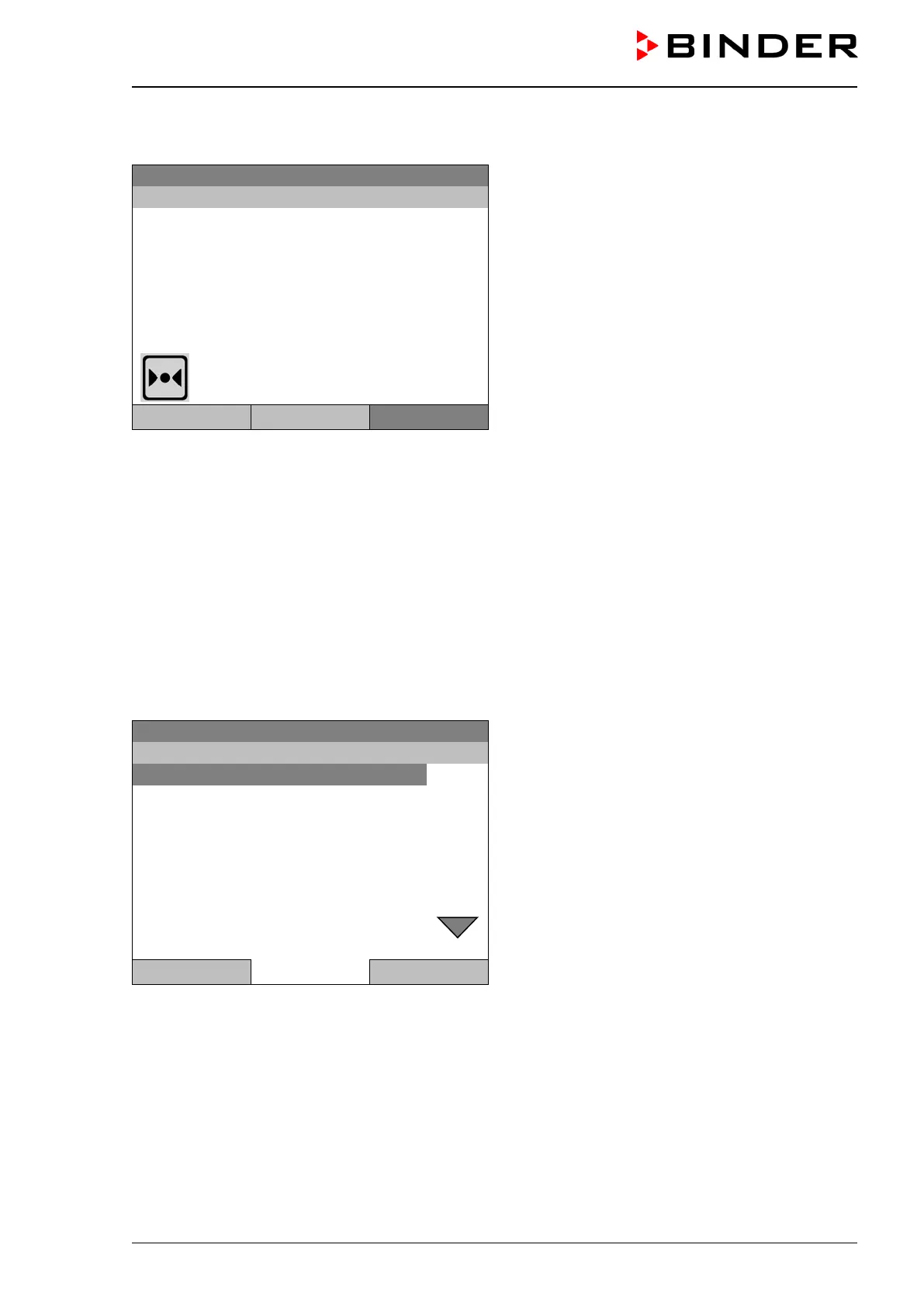
Initial view (sample values).
Press the desired menu button.
Temperature [°C]
Fan [%]
User Quick menu
From the Initial view you have access to different menus using the menu buttons “User”, “Quick menu”, or
“Menu”. From there you can access the desired control functions. To do this, select the function by turning
the operating button and press the operating button to confirm the selection.
In any menu, you can return to the previous display pressing the "Close" button or to the initial view with
the "Home" button.
Depending on the logged-in user or administrator, the available menu functions may vary. These instruc-
tions present the functions which are available to the logged-in administrator.
6.1.1 General menu
The general menu provides access to all setting functions of the controller, a graphical display of the meas-
ured values, and the possibility to read and give out data via the USB interface. In addition, supporting
functions like a settings wizard or a contact page are available.
08.03.2015 05:05:06
General menu
Close Home
Turn the operating button to see additional menu items.








 To Next Page