KB / KB-UL (E4 + E6) 10/2021 page 41/147
Temperature setting
To enter the temperature setpoint, go to Quick menu > Temperature setpoint
Fixed value
08.03.2015 05:05:06
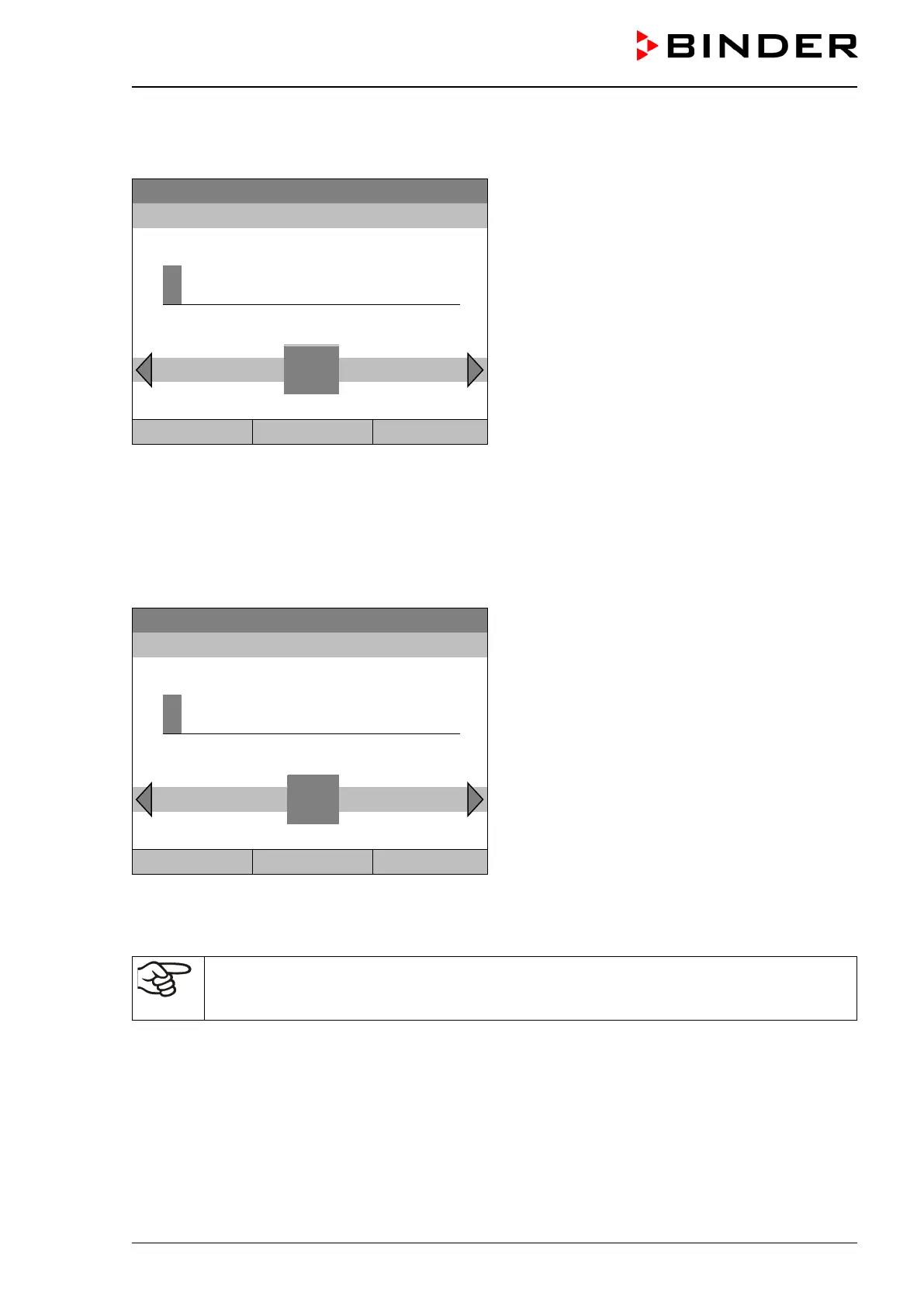
Entry menu “Temperature setpoint”.
Select each number with the operating button and
press the operating button to confirm.
Setting range: -10 °C / 14 °F up to +100 °C / 212 °F
Press the “Ok” button to confirm.
..\ Temperature setpoint
2
End Ok 0 1
3 4 5 6 7 8 9 . -
Close Ok Home
When entering a value outside the setting range, the message “invalid value” appears. Press the operating
button to confirm with “Ok” and repeat the entry with a correct value.
Go back to the initial view with “Home” or enter the fan speed.
Fan speed setting
To enter the fan speed setpoint, go to Quick menu > Fan speed setpoint
08.03.2015 05:05:06
Entry menu “Fan speed setpoint”.
Select each number with the operating button and
press the operating button to confirm.
Setting range: 40 % up to 100 %.
Press the “Ok” button to confirm.
1
Pos1 End Ok 0
2 3 4 5 6 7 8 9 , -
When entering a value outside the setting range, the message “invalid value” appears. Press the operating
button to confirm with “Ok” and repeat the entry with a correct value.
Go back to the initial view with “Home”.
When operating the fan with less than 100 % speed, the temperature performance and the
spatial exactitude of the temperature may differ from the manufacturer’s specifications. Do
reduce the fan speed only if absolutely necessary due to special requirements.








 To Next Page