13
Hold/Resume: Stops shaft rotation. Press this button a second time to resume the test or
activity session. One Hold/Resume button is located atop the dynamometer next to the Comfort
Stop. A second Hold/Resume button is activated by a hand-held remote located to the right of
the control panel on the Clinical Data Station (CDS) cart.
Comfort Stop: Prior to exercise, educating the user about the Comfort Stops can improve
confidence and motivation when using the equipment.
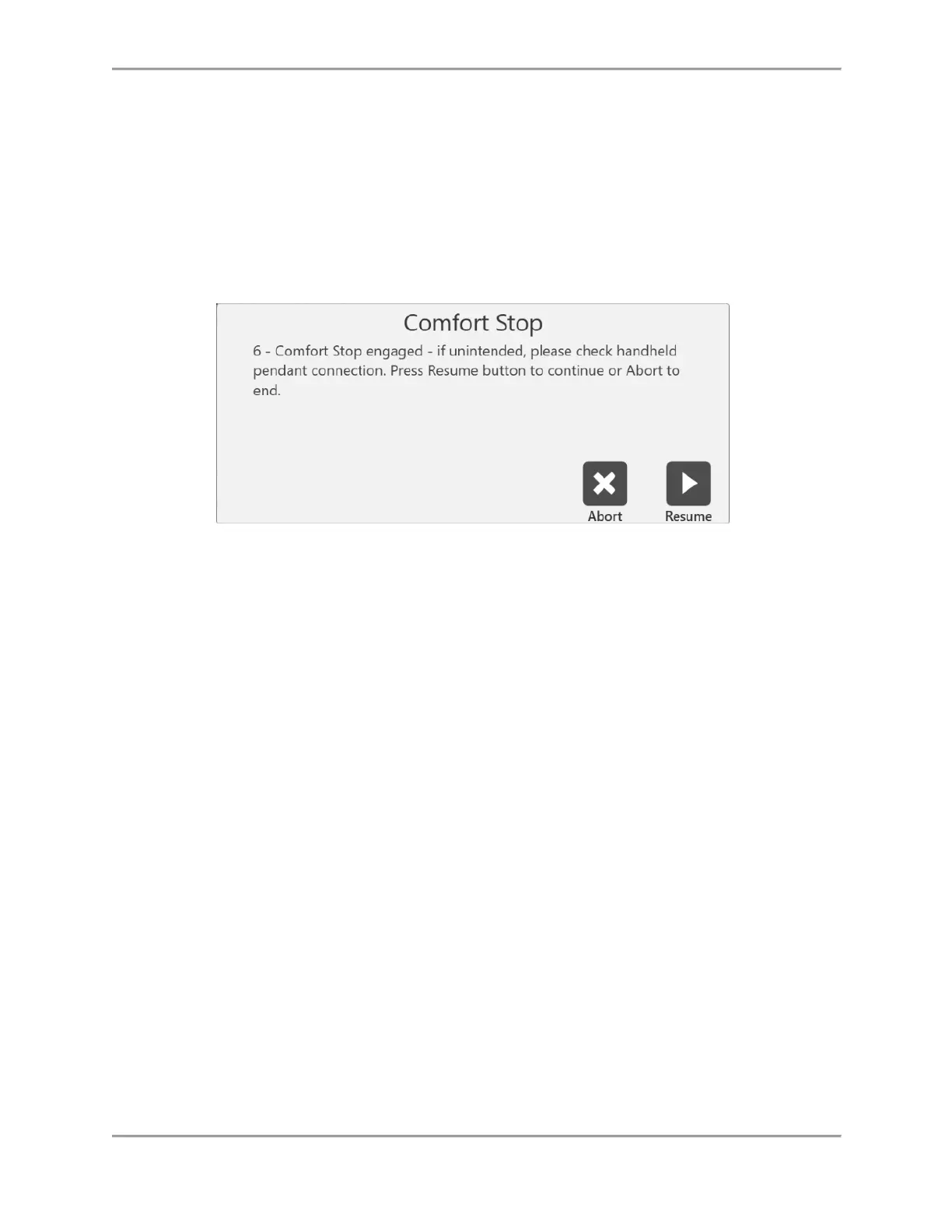
When the Comfort Stop is used, a pop-up message gives two choices, Abort or Resume:
In the middle of a test, selecting the Abort icon will end the set. Selecting the Resume icon will
allow the user to continue where the set left off. During a test where a patient is feeling
uncomfortable, the user can select the Abort icon to finish the set rather than resuming it.
NOTE: As a safety precaution, the system will not function in any mode if the Remote Comfort
Stop is not connected to the dynamometer.



 To Next Page