14
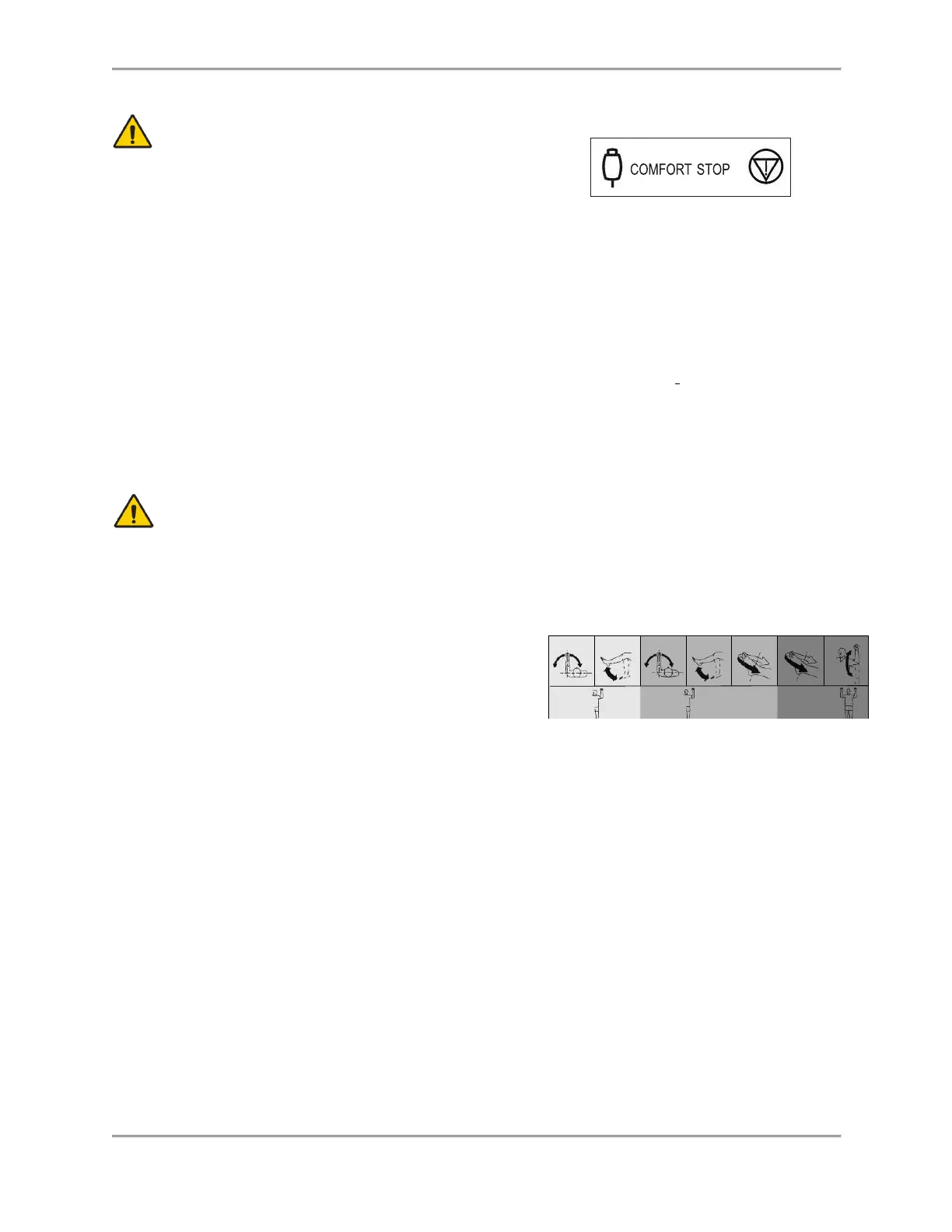
CAUTION: Comfort Stops (Dynamometer, Remote):
These buttons
provide the subject with the ability to
instantaneously terminate exercise in any mode.
Depressing either the large red button atop
the dynamometer or the hand-held remote button causes immediate cessation of
dynamometer shaft rotation.
The purpose of this control is to guard against moving the subject into a portion
of the range of motion that, for any reason, is contraindicated. It should be noted
that activating a comfort stop after the onset of discomfort will result in a
stoppage of movement while the subject is still in the undesirable portion of the
range. Should this occur in Isokinetic or Isotonic mode, with concentric
contractions selected, the operator should immediately press the Stop button on
the control panel, press Start to free the shaft and allow rotation toward a more
comfortable point in the subject’s ROM. (With the shaft free, the operator should
manually place the subject in a position such that the limb will not move in the
direction of gravity.)
CAUTION: Extra consideration is required for resuming dynamometer
shaft rotation in the Passive or Reactive Eccentric mode as the patient
may be assisted further into a painful portion of the ROM. In this case,
remove the patient immediately from the attachment by releasing the
hook and loop fastener cuff.
Dynamometer Position Color Code Label: Located
on the Dynamometer Yoke Pivot Plate, the
Dynamometer Position Color Code Label helps the user
to quickly position the dynamometer according to the
pattern selected. Rotate the dynamometer to the yellow color code positions when setting up to
test or exercise the patient’s left side. Rotate the dynamometer to the blue color code positions
for right side testing or exercise. Patterns that use the same positioning for both sides utilize the
green color code areas.



 To Next Page