37
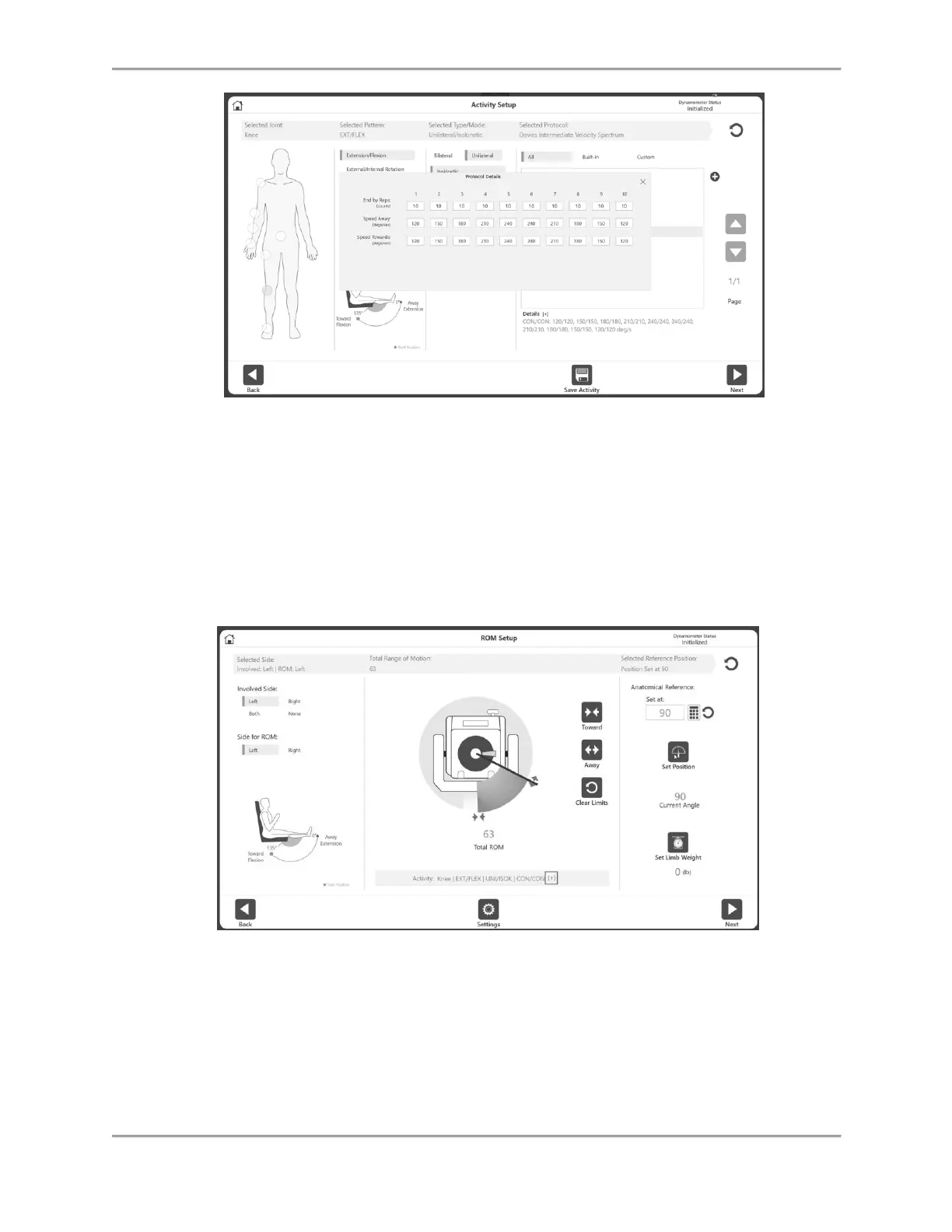
NOTE: When a protocol is selected it displays information under “Details”. Click
the [+] to view more information about that protocol.
7. Select the Next icon. The ROM (Range of Motion) Setup screen displays.
NOTE: Please see the Defining the ROM section for the next set of instructions.
NOTE: To add/pin the activity to the Frequent Activity list, select the Save Activity icon.



 To Next Page