38
New Activity: Add New Patient
If a patient does not exist in the system yet, the information can be added quickly using the
New Activity: Add New Patient option.
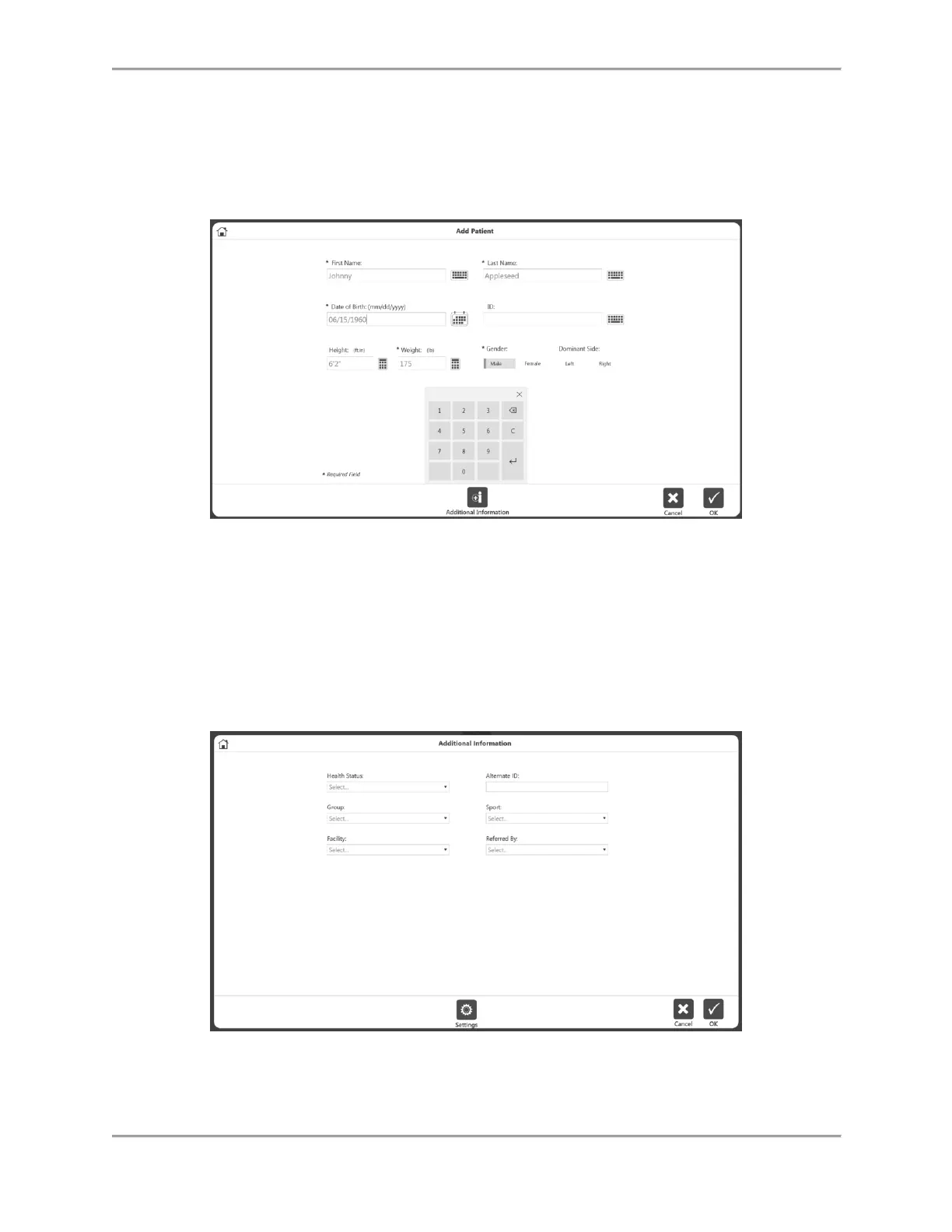
1. Select the New Activity: Add New Patient icon. The Add Patient screen displays.
2. Enter information into the required fields: First Name, Last Name, Date of Birth, Weight,
and Gender.
3. Select the OK icon to continue. Select the Cancel icon to cancel the action.
NOTE: Select the Additional Information icon if you would like to add information for
any of the following categories: Health Status, Group, Facility, Alternate ID, Sport, or
Referred By. The Additional Information screen will display. Select the OK icon when
finished.
4. The Activity Setup screen displays. Follow the directions in the New Activity: Quick Start
section above.



 To Next Page