58
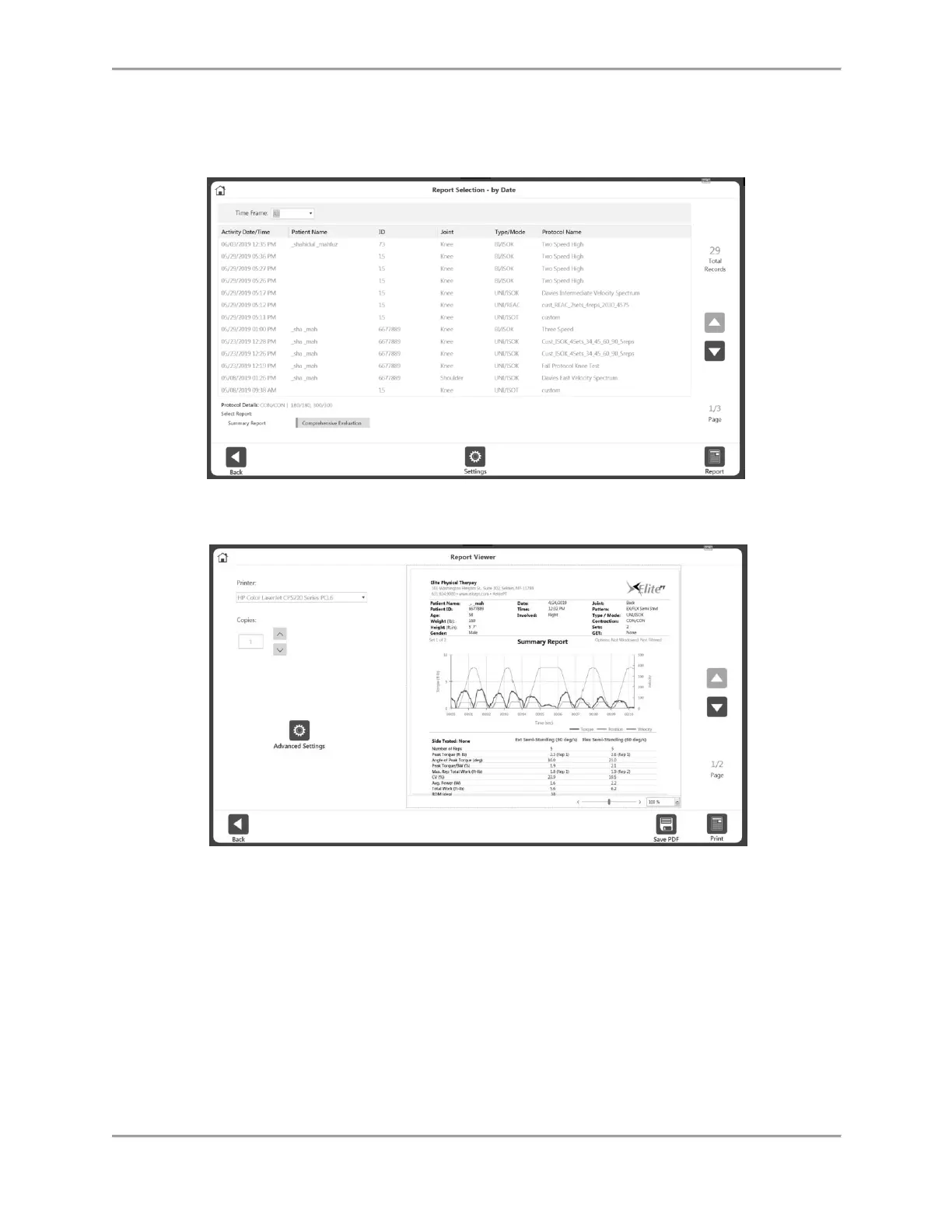
NOTE: You may select the Settings icon to change the Report Settings. Any settings
applied to the report will not change the original data. The settings are applied to
display post-processed data.
5. Select the Report icon. The Report Viewer screen displays.
6. Select the Print icon to print the report, the Save PDF icon to save the report as a PDF,
or the Back icon to go to the previous screen.



 To Next Page