60
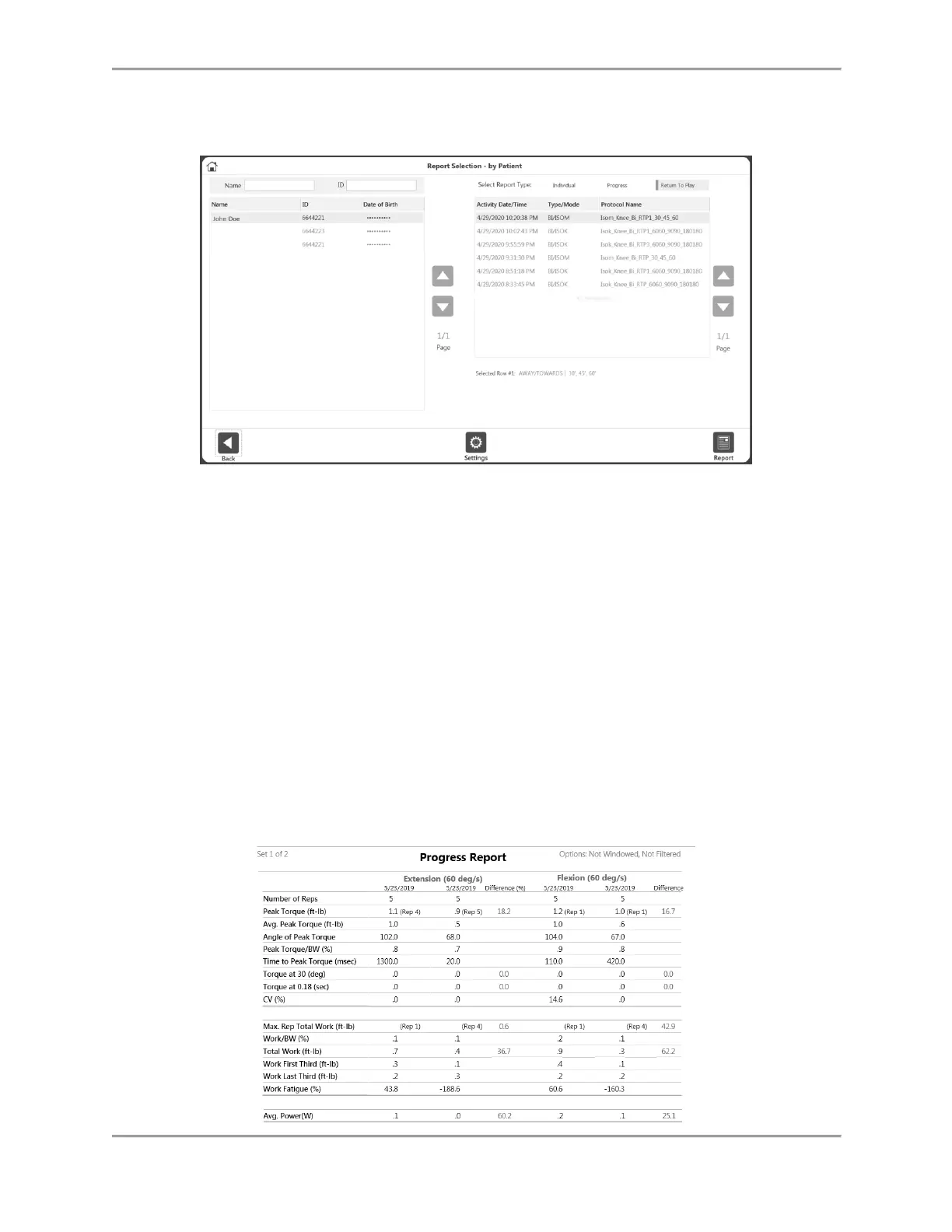
6. Select the Report icon. The report will load and the Report Viewer screen will display.
8. Select the Print icon to print the report or the Save PDF icon to save the report.
9. Continue to follow the prompts. If Left or Right was chosen as the involved side during
the ROM setup, you will select either Involved or Uninvolved. If None/both was chosen
during ROM setup, select Left or Right.
NOTE: You may select the Settings icon to change the Report Settings. Any settings
applied to the report will not change the original data. The settings change the way the
post-processed data is displayed.
Report Formulas
The Bilateral Report shows a deficit on one side of the body, where U = the uninvolved side
and I = the involved side.
Deficit = {(U-I/U} x 100
The Progress Report compares two dates, where T = test.
% Change = {(T2-T1)/T1} x 100



 To Next Page