67
Return to Play Report
The Return to Play report can be accessed through the Reports option or
the Activity Results screen.
Reports
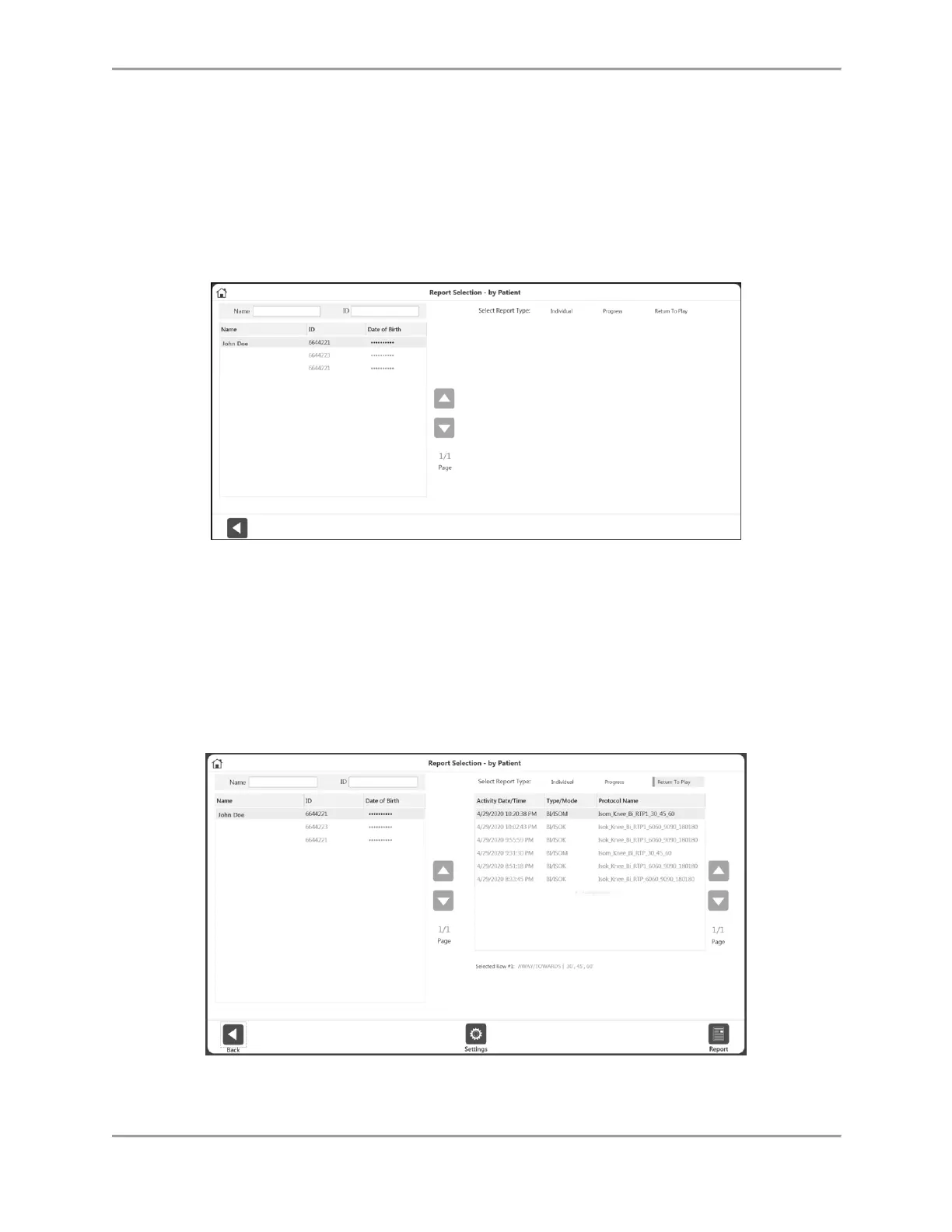
1. Select Reports on the Home screen.
2. Select Report by Patient (preferred method) or Report by Date.
3. Select the Patient.
4. For the Report Type, choose Return to Play. Only the activities performed with a RTP
Protocol will be displayed.
NOTE: If you forgot to mark an activity as RTP, navigate to Protocol Management, click
on the three dots (…) on the activity and mark it as RTP.
5. Choose a Bilateral activity (Isokinetic or Isometric).
NOTE: Up to two activities can be chosen under Report by Patient, as long as they are
different types (one Isokinetic and one Isometric). The Report by Date and Activity
Results screens only allow one Isokinetic or one Isometric activity to be chosen.
6. Click the Report icon. The report will display on the Report Viewer screen.



 To Next Page