79
Multiple Data Export
To export data:
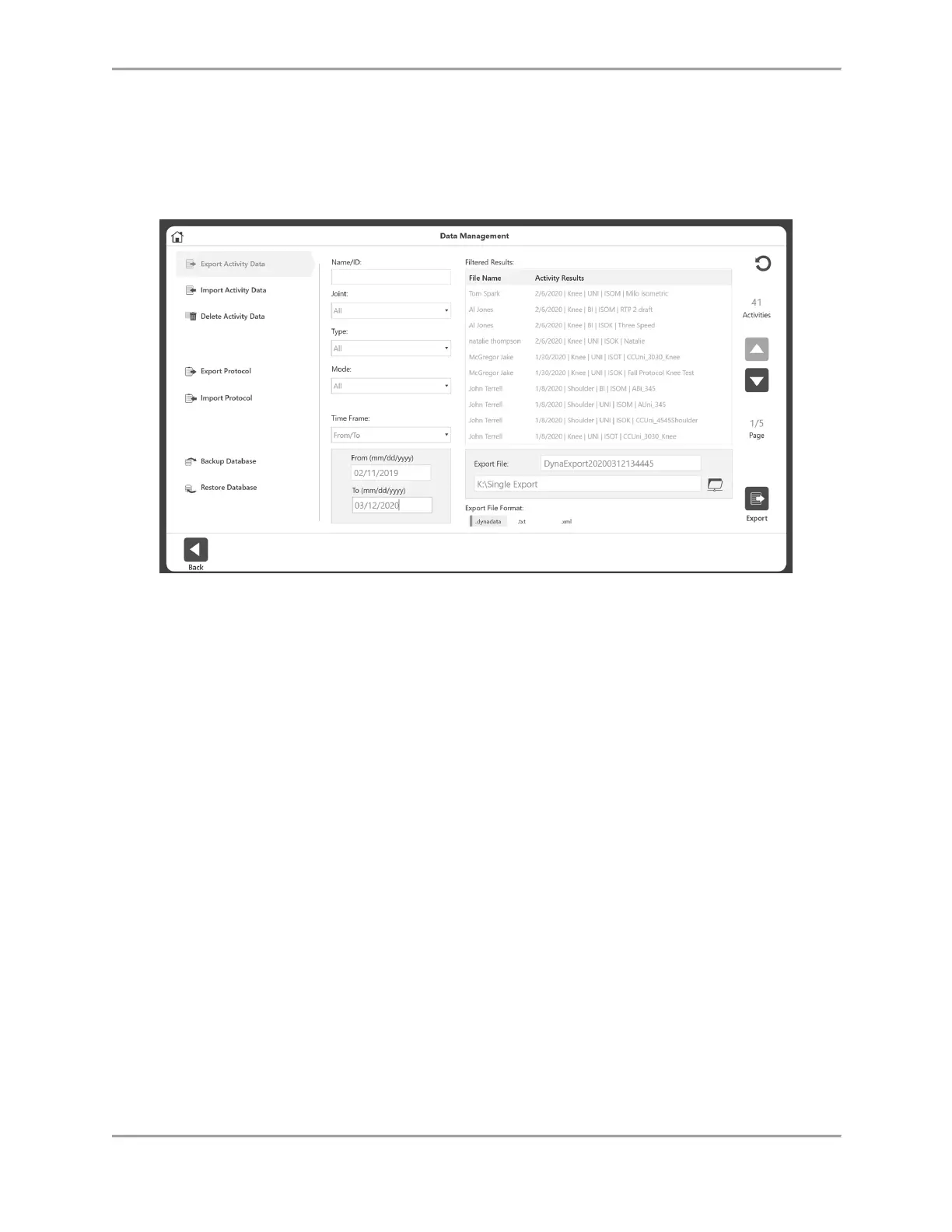
1. Select Utilities on the Home screen.
2. Select Data Management.
3. Click Export Activity Data.
4. Your search can be filtered by using the Name/ID, Joint, Type, Mode, and Time Frame
fields.
5. Ensure the file location is correct.



 To Next Page