82
Importing
To import a file:
1. Click Utilities on the Home screen.
2. Select Data Management.
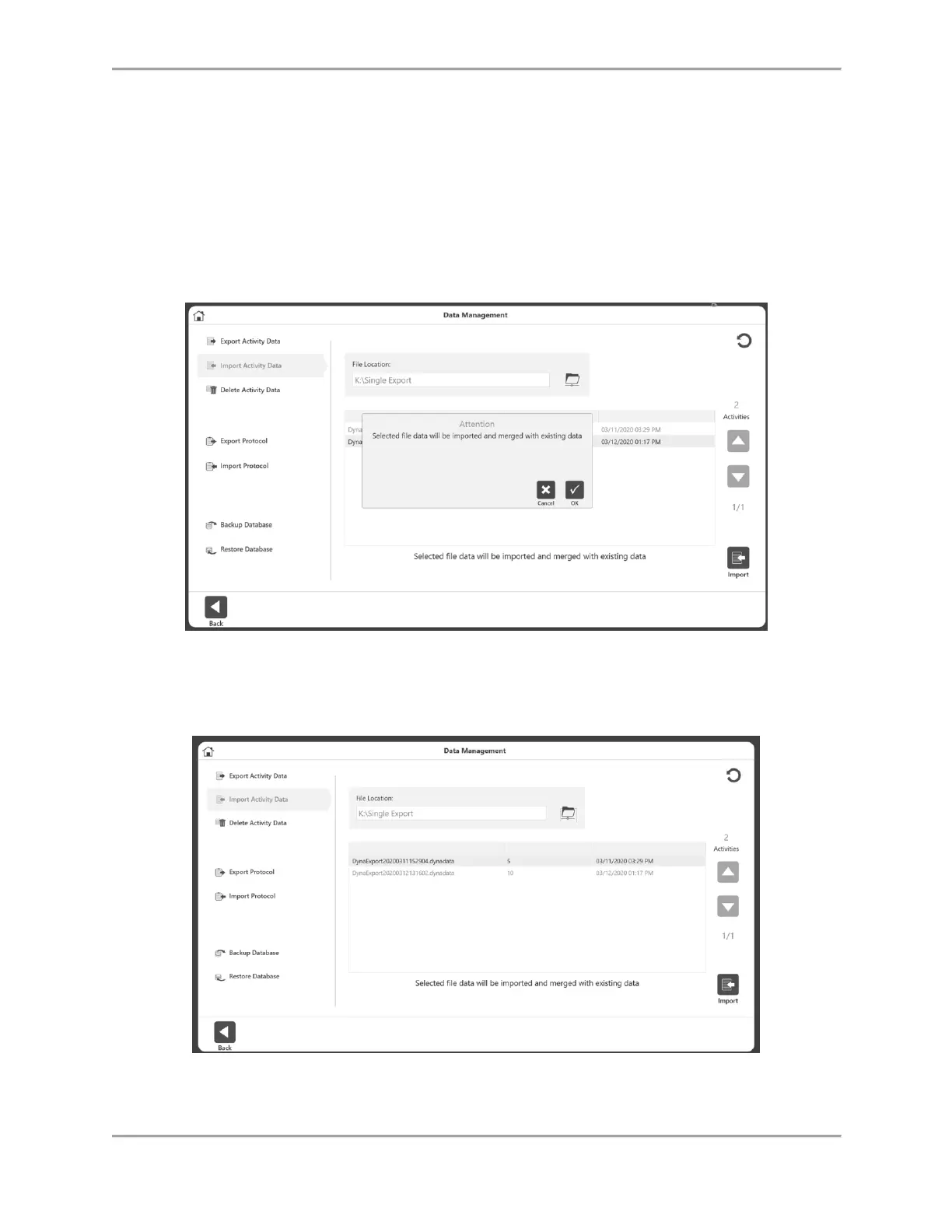
3. Select Import Activity Data.
4. Specify the File Location.
5. Select the file. A pop up message will appear that says, “Selected file data will be
imported and merged with existing data”
6. Click the OK icon.
7. Select the Import icon.
NOTE: The application can import a .dynatata file, but not .xml or .txt files.



 To Next Page