83
Deleting
To delete multiple files:
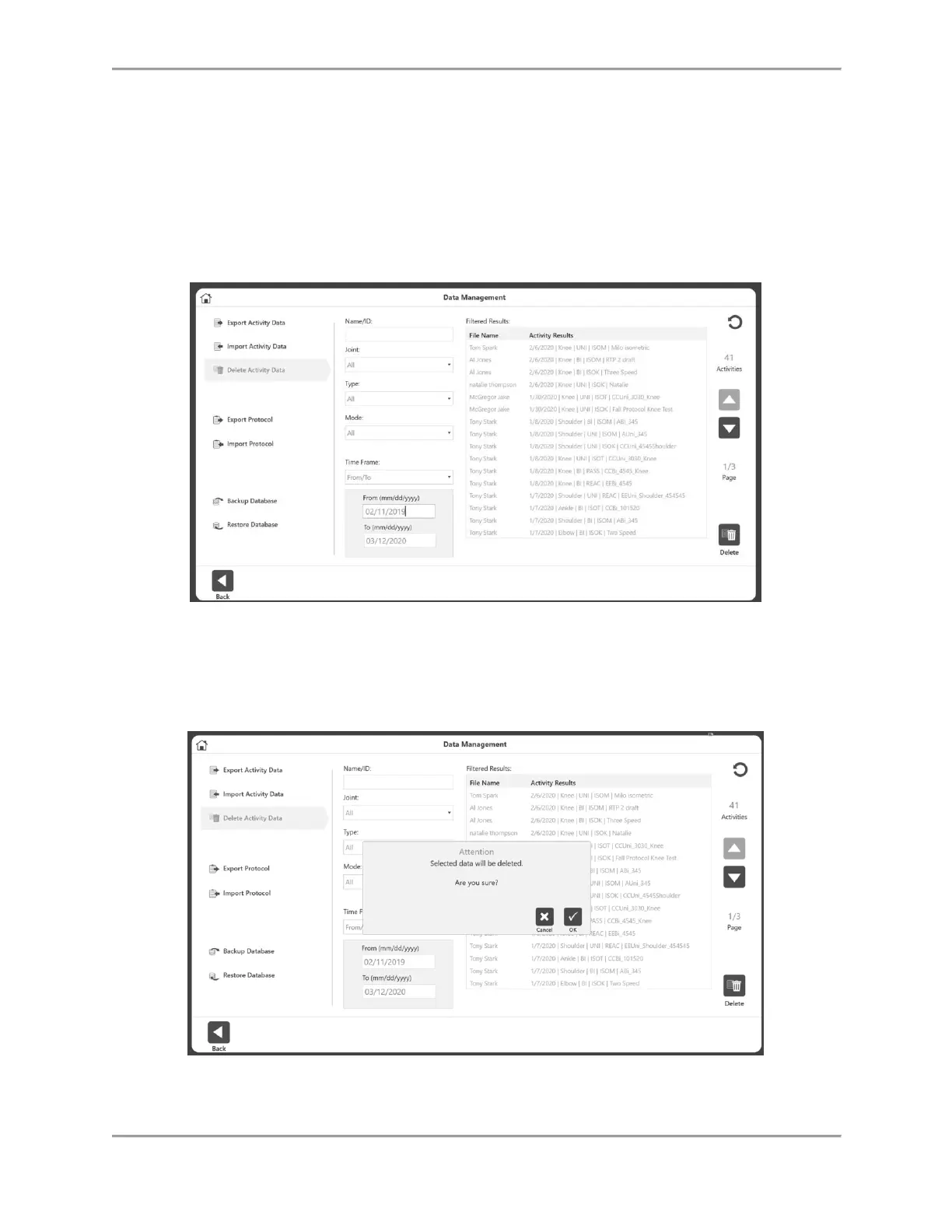
1. Navigate to the Home screen and select the Utilities option.
2. Select Data Management.
3. Select Delete Activity Data.
4. The Name/ID, Joint, Type, Mode, and Time Frame fields can be used to filter the search.
5. Select the files you want to delete and select the Delete icon.
NOTE: Data will be deleted permanently.
6. A Delete confirmation message will pop up. Select:
a) the OK icon to delete
or
b) the Cancel icon.



 To Next Page