85
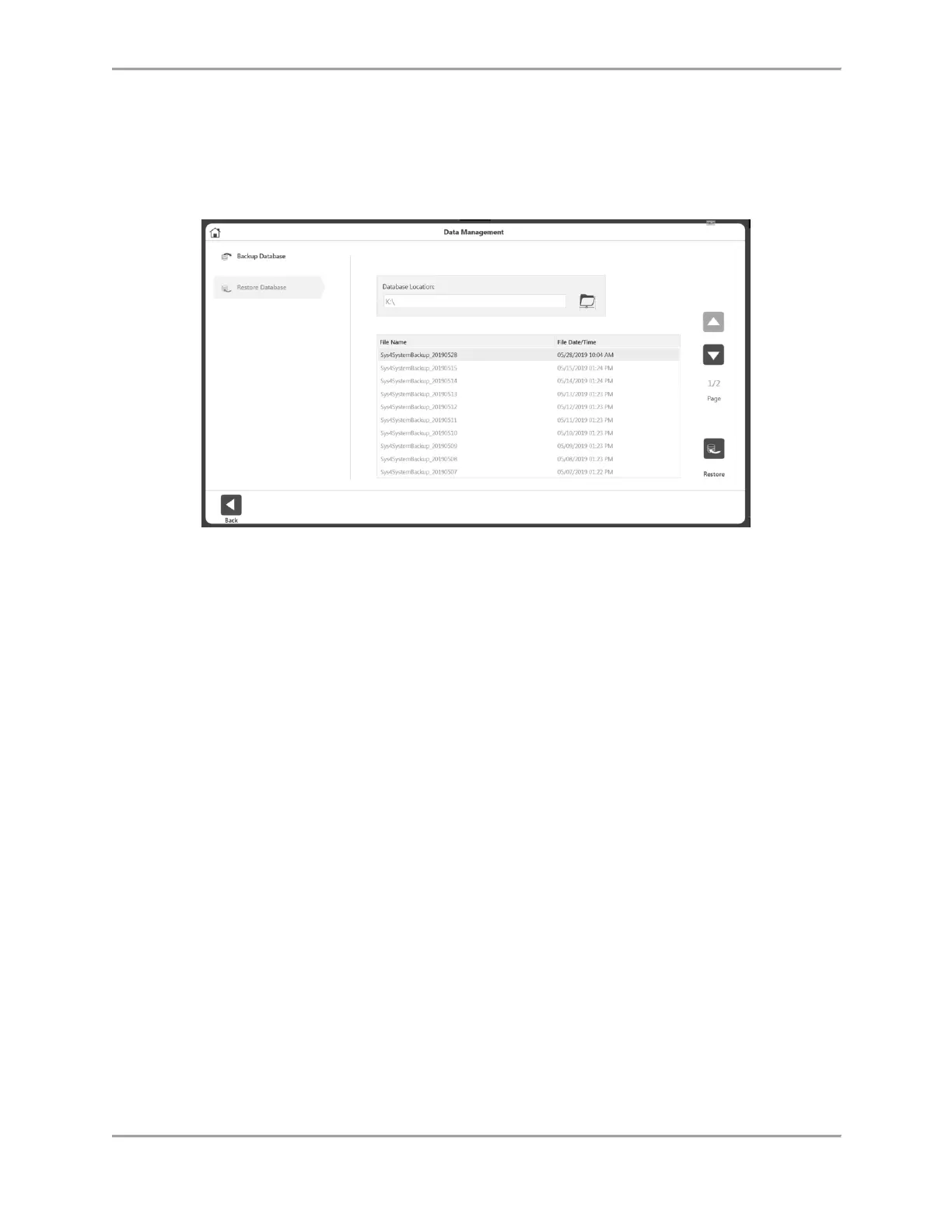
Restore Database
The Restore Database option will restore the unit to the previously backed up data and the
changes made on settings.
1. Enter the Access Code 159 and select the OK icon.
2. Select Restore Database.
3. Select the folder icon. A pop-up for location selection displays.
4. Select a location and select the OK icon. The pop-up will display all the local drives,
removable drives and mapped network drives.
NOTE: Once a folder is selected, it will be remembered for the next time.
5. A list of available backup files will be displayed as a list.
6. Select a row from the list and then click the Restore button.
7. A progress or outcome message will display. A restart of the application may be
required and prompted.



 To Next Page