87
Torque at – Used on report settings for Comprehensive report type for a specific
position. The default setting is 30 deg(s).
Torque in – Used on report settings for Comprehensive report type for a specific
amount of time. The default setting is 0.18 sec(s).
NOTE: Refer to the torque descriptions on page 27 of the manual for further
information.
General Preferences:
Enable Clinical Codes – Enter/select a different code on Code/Comments screen.
Identify Patient by ID Code – Enabling this will make the First and Last name not
required. If unchecked, First and Last name will be required.
Touch Feedback Sound – Control the touch sound.
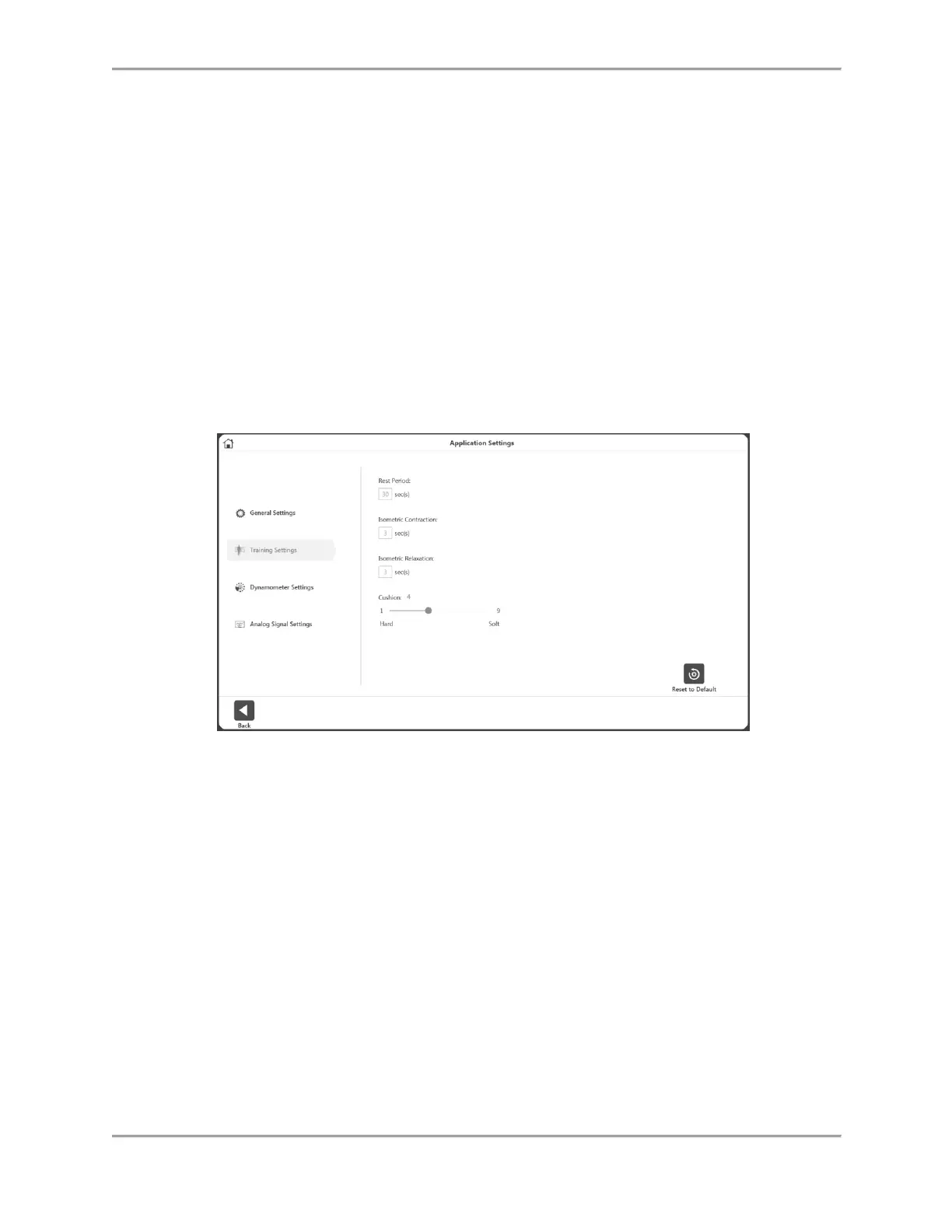
Training Settings
Set the default values of the training session for:
Rest Period – Default 30 second for rest period between sets for Training.
Isometric Contraction – Contraction time 3 seconds for Training.
Isometric Relaxation – Relaxation time 3 seconds for Training.
Cushion – Default Cushion settings for Training.



 To Next Page