88
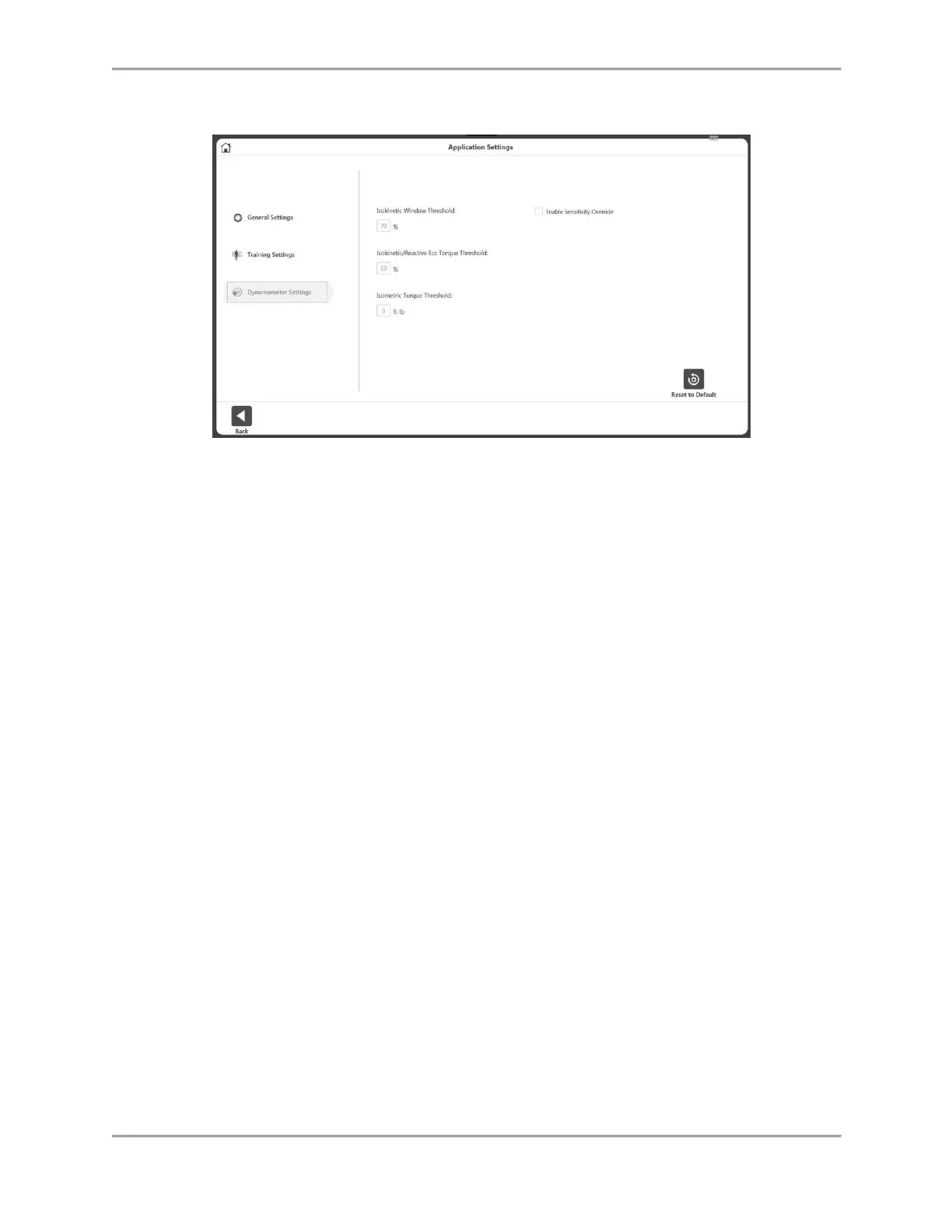
Dynamometer Settings
We recommend keeping the default settings on the device. Properties can be changed if
needed.
Set the Isokinetic Window Threshold – The subject is allowed to accelerate up to,
but no higher than, a maximum speed value (default is 70%).
Isokinetic/Reactive Ecc Torque Threshold – The subject is required to meet a
minimum torque threshold corresponding to 10% of the Torque setting (defaults
to 10%). The subject may not exceed the torque limit set, ensuring the force
output is kept within the desired range.
Isometric Torque Threshold – The force limit defaults to 3 ft-lb. (4.1 Nm) as the
dynamometer is to maintain zero velocity in Isometric Mode.
Enable Sensitivity Override – Controls the visibility of the Sensitivity option on
Training and creating custom protocol.



 To Next Page