FlightHawk RF Test Set
B-8
When New Test is selected on a test results screen (
Figure 7 on page B-6
) the
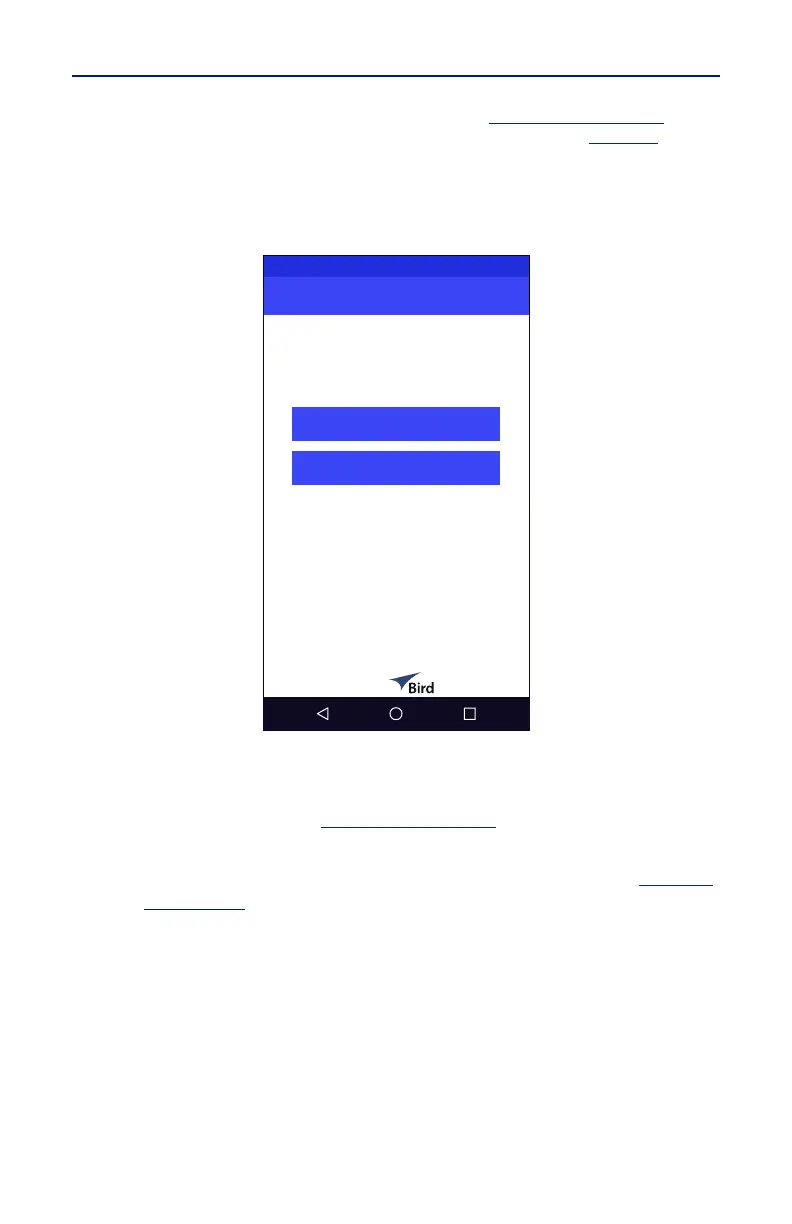
technician is presented with the New Test Selection Screen, see
Figure 9
.
This screen gives the technician the option of selecting a new aircraft for testing,
or selecting a different communications system on the same aircraft.
Figure 9 New Test Selection Screen
The technician is given two options.
New Aircraft- tapping the New Aircraft button will open the Aircraft
Selection Screen. See
Figure 4 on page B-3
.
Same Aircraft Different RF system - tapping the Same Aircraft Different
RF system button will open the System Selection Screen. See
Figure 5
on page B-4
.



 To Next Page