49
1. 87 7. 8 7 7. 2 2 6 9 BLACKBOX.COM
NEED HELP?
LE AVE THE TECH TO US
LIVE 24/7
TECHNICAL
SUPPORT
1. 87 7. 87 7. 2 26 9
8.1.3 CONNECTIONS—DELETE CONNECTION TEMPLATE
To delete a connection template, click -Connection Template and this launches a screen that shows a list of connection templates.
Select the template(s) to be deleted and click on delete.
Boxilla will only display the list of connection templates that are not currently assigned to connections. If you wish to delete a
template that is associated with a connection, you will first need to remove the template from the connection.
8.2 CONNECTIONS—GROUPS
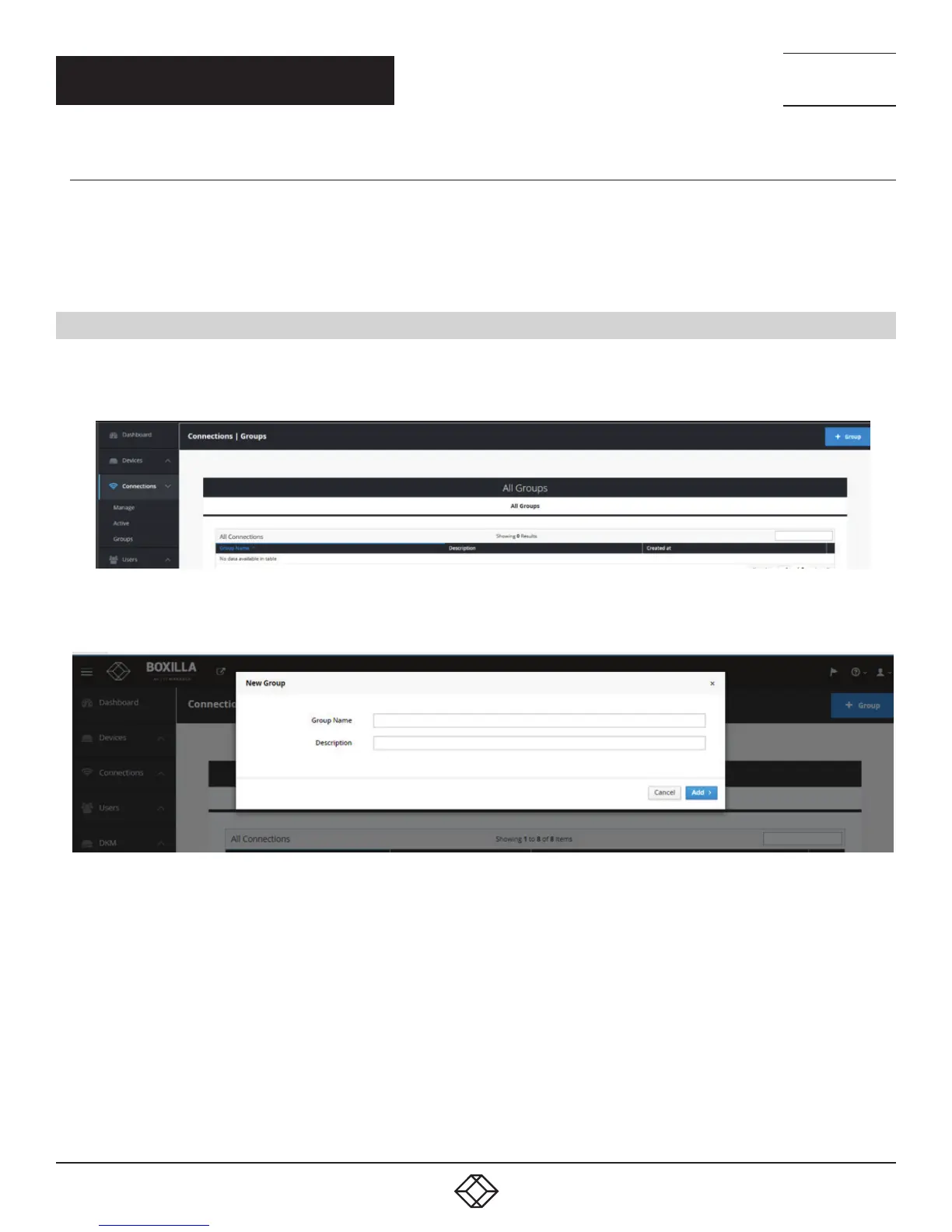
Boxilla 1.1 supports the creation of a connection group to make it easier to allocate a common set of resources to user.
If a connection group gets changed, it will be reflected on all users allocated to this Connection Group.
Connections option can be found on left side pane of Boxilla user interface.
FIGURE 42. CONNECTIONS OPTION
To add a connection group:
FIGURE 43. ADD CONNECTION GROUP SCREEN
CHAPTER 8: CONNECTIONS



 To Next Page