98
1. 87 7. 8 7 7. 2 2 6 9 BLACKBOX.COM
NEED HELP?
LE AVE THE TECH TO US
LIVE 24/7
TECHNICAL
SUPPORT
1. 87 7. 87 7. 2 26 9
CHAPTER 11: SYSTEM
11.7 SYSTEM—SETTINGS—NETWORK
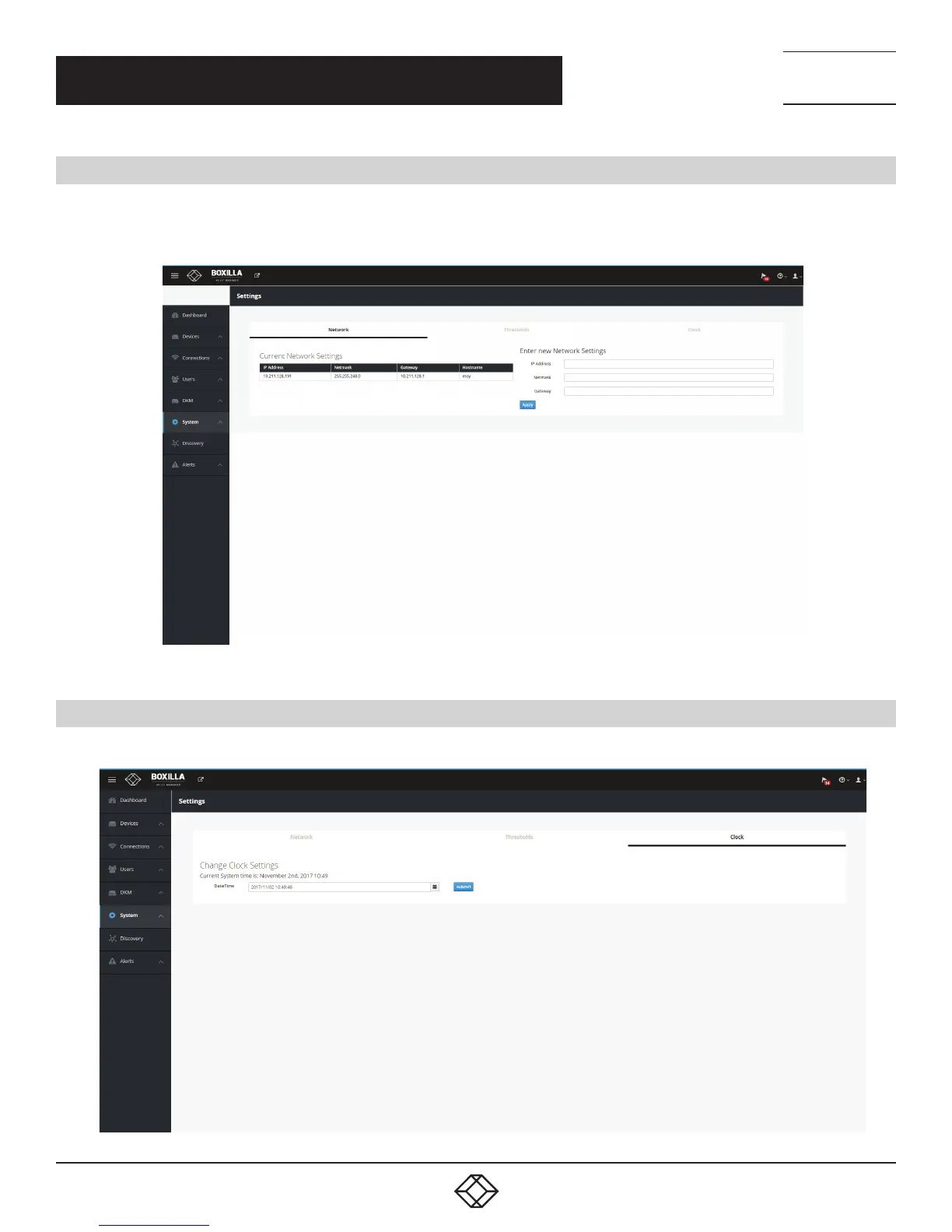
The System —> Settings —> Network tab shows the IP settings for the Boxilla unit and enables the Administrator to change the IP
settings for the Boxilla unit (enter IP address, Net Mask and Gateway in IPv4 format and click Apply).
FIGURE 120. SYSTEM —> SETTINGS —> NETWORK SCREEN
11.8 SYSTEM — SETTINGS — CLOCK
The System —> Settings —> Clock tab enables the Administrator to see the current system time and to change it.
FIGURE 121. CLOCK (OR TIME) SETTINGS



 To Next Page