91
1. 87 7. 8 7 7. 2 2 6 9 BLACKBOX.COM
NEED HELP?
LE AVE THE TECH TO US
LIVE 24/7
TECHNICAL
SUPPORT
1. 87 7. 87 7. 2 26 9
CHAPTER 11: SYSTEM
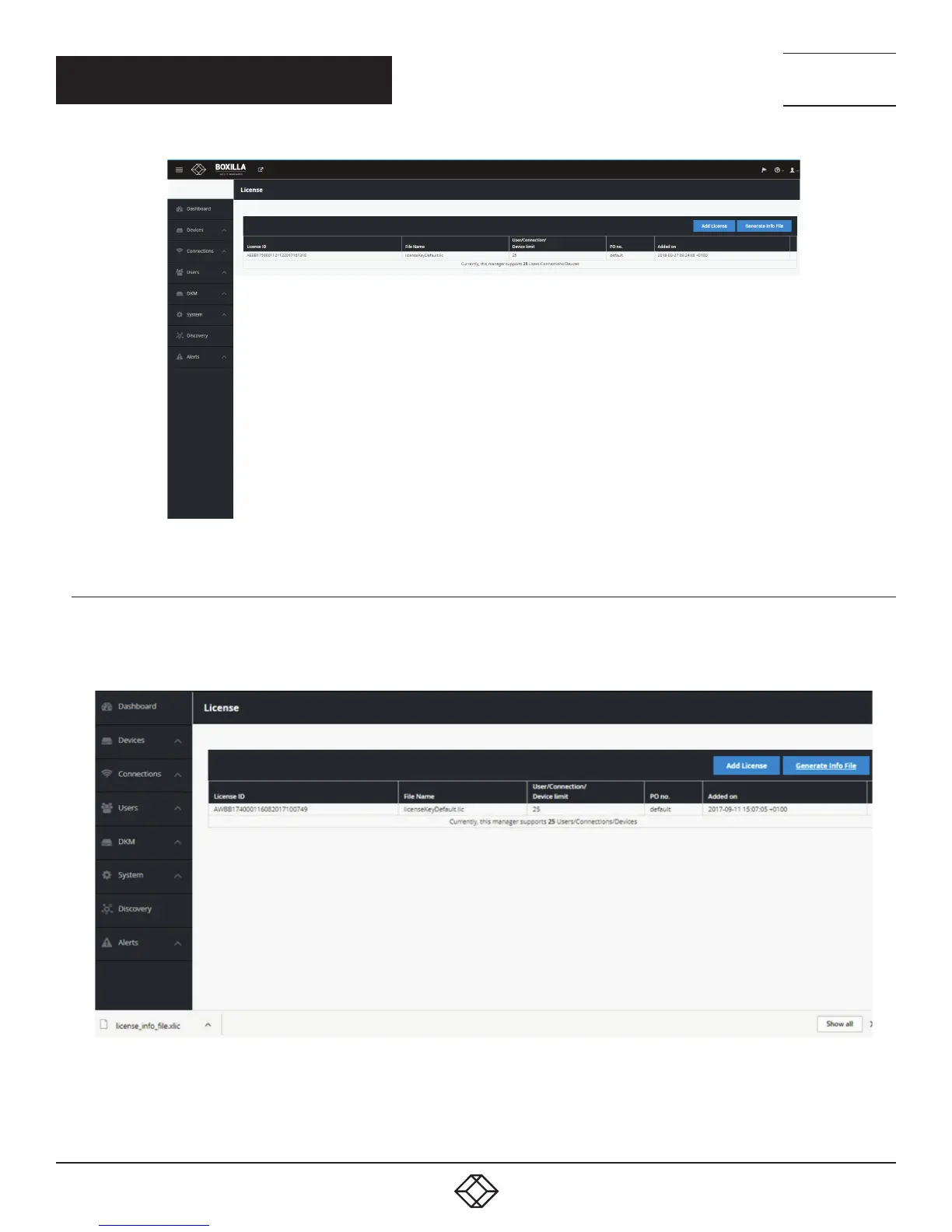
FIGURE 109. SYSTEM —> LICENSE SCREEN
11.2.1 HOW TO REQUEST A LICENSE
To procure a new license file, generate the info file from your current system using Generate Info File option within License link.
The info file will be downloaded onto the local machine. Provide the info file to Black Box Technical Support (contact us
at 877-877-2269 or info@blackbox.com) to generate the license file for you.
FIGURE 110. ADD LICENSE SCREEN



 To Next Page