35
1. 87 7. 8 7 7. 2 2 6 9 BLACKBOX.COM
NEED HELP?
LE AVE THE TECH TO US
LIVE 24/7
TECHNICAL
SUPPORT
1. 87 7. 87 7. 2 26 9
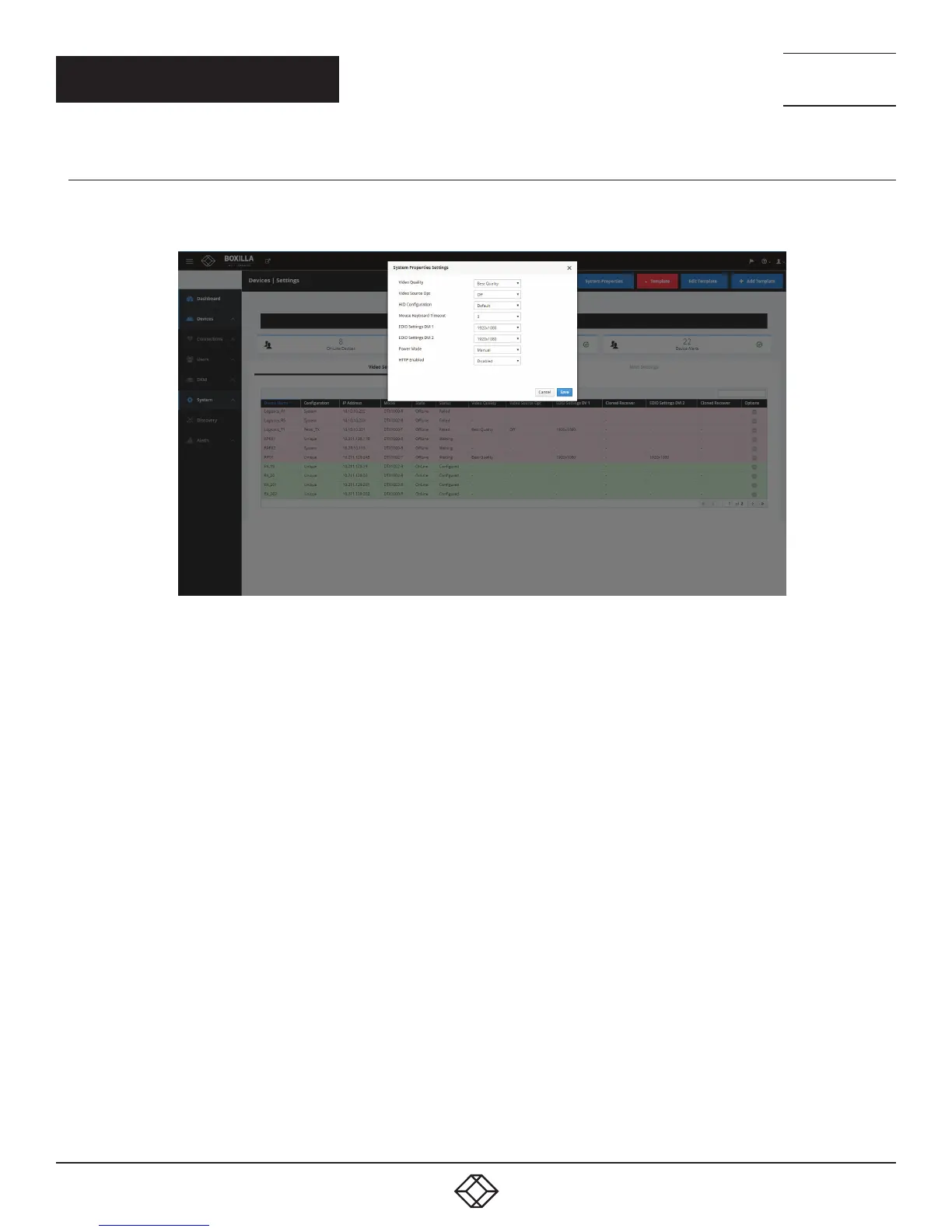
7.1.2 EDIT SYSTEM PROPERTIES
To edit the system properties, click on the blue System Properties button at the top right of the Devices Settings screen. The System
Properties Settings screen with editable options pops up. Changes can be saved or canceled.
FIGURE 27. EDIT SYSTEM PROPERTIES SCREEN
Video Quality: Select from these options: Best Quality, 2, Default, 4, or Best Compression.
Video Source Opt: Select from Off, DVI Optimized, VGA - High-Performance, VGA - Optimized, VGA - Low Bandwidth (only applied in
the case of a single-head transmitter).
HID Configuration: Select from Default, Basic, MAC, or Absolute.
CHAPTER 7: DEVICES



 To Next Page