34
1. 87 7. 8 7 7. 2 2 6 9 BLACKBOX.COM
NEED HELP?
LE AVE THE TECH TO US
LIVE 24/7
TECHNICAL
SUPPORT
1. 87 7. 87 7. 2 26 9
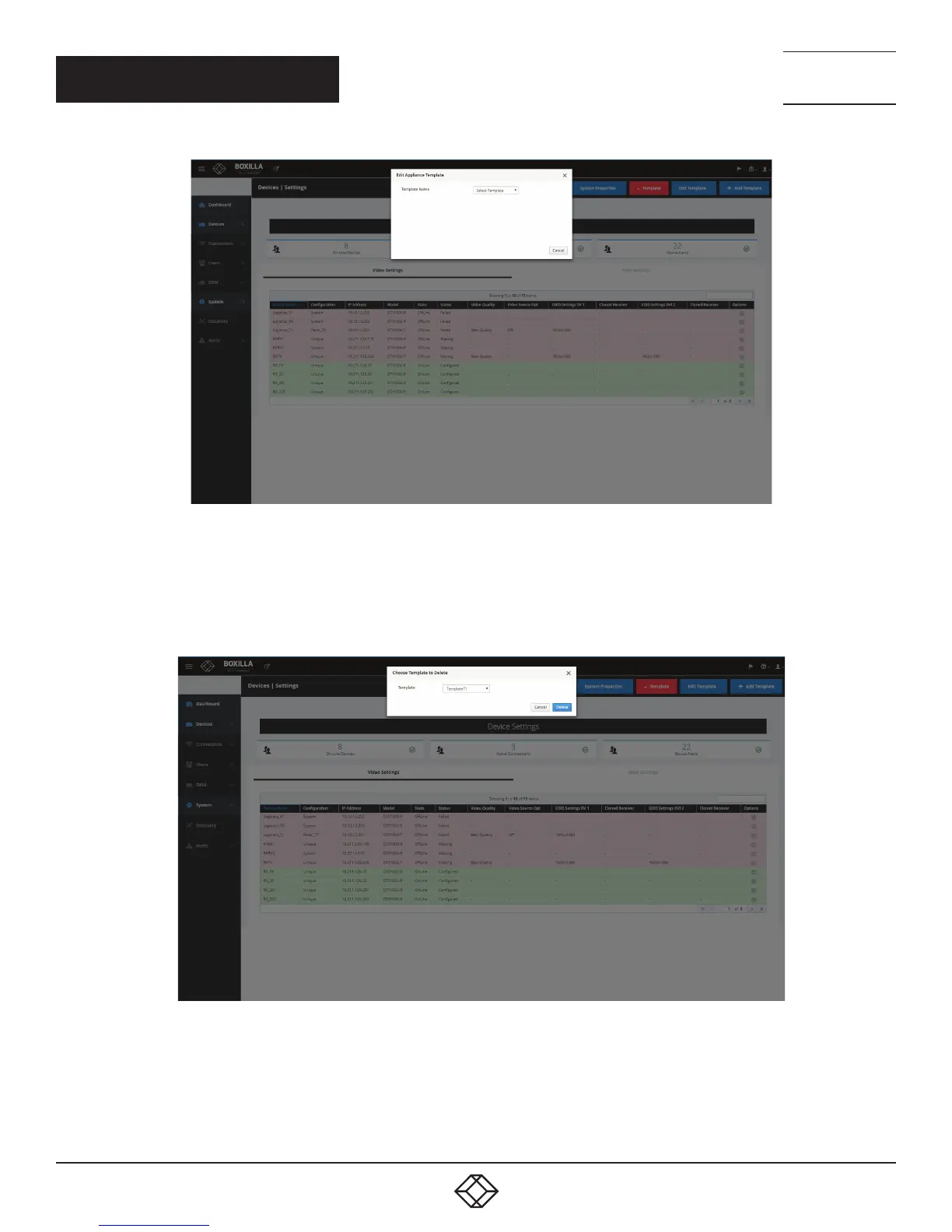
FIGURE 25. EDIT TEMPLATE SCREEN
To delete a device template, click on the red -Template button at the top of the Devices —> Settings screen. The Delete Appliance
Template screen pops up. Select the template you want to delete from the drop-down menu, then click the Delete button to delete
the template, or click the Cancel button to cancel the deletion.
NOTE: You can only delete a template that is currently not in use.
FIGURE 26. DELETE TEMPLATE SCREEN
CHAPTER 7: DEVICES



 To Next Page