56
1. 87 7. 8 7 7. 2 2 6 9 BLACKBOX.COM
NEED HELP?
LE AVE THE TECH TO US
LIVE 24/7
TECHNICAL
SUPPORT
1. 87 7. 87 7. 2 26 9
CHAPTER 8: CONNECTIONS
8.4.1 MAKE CONNECTIONS
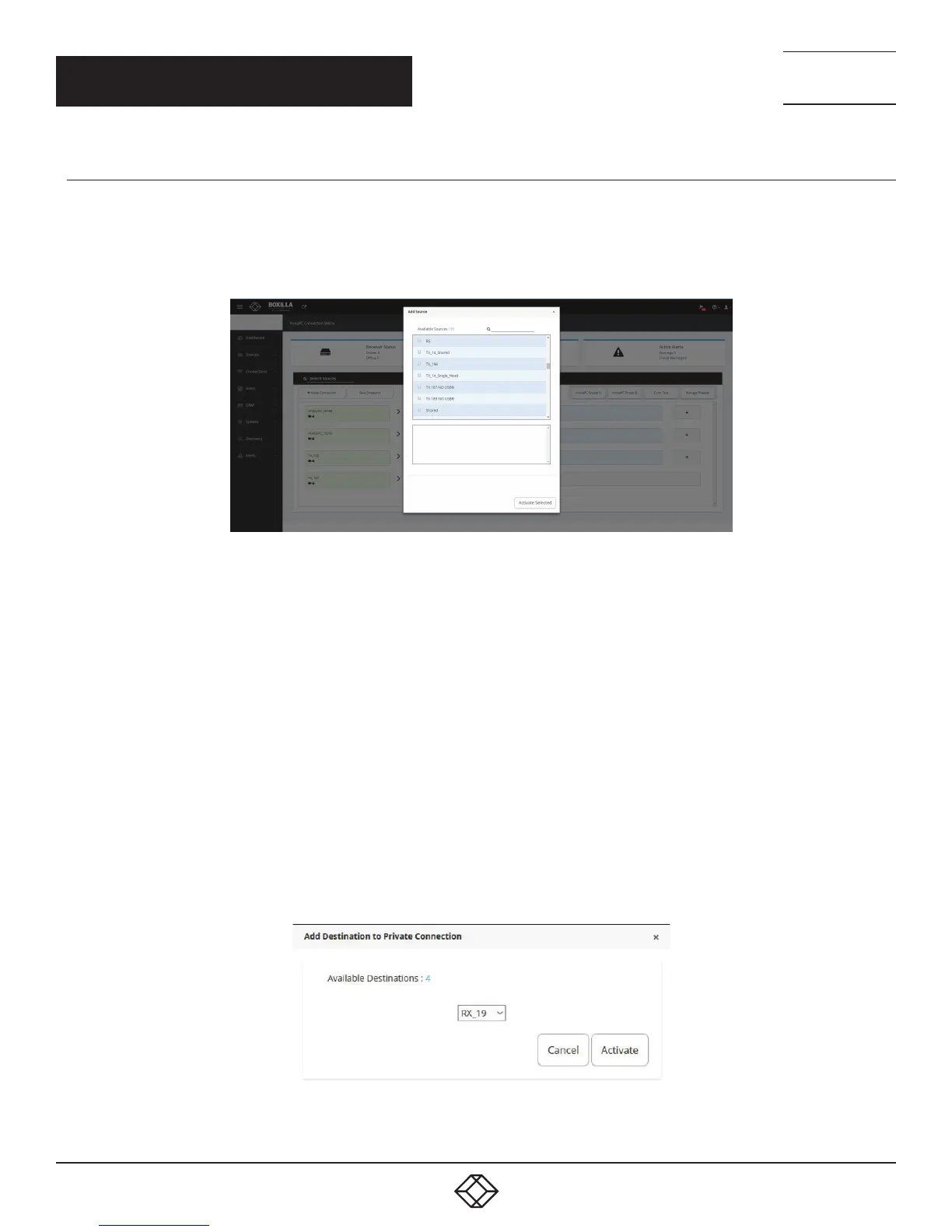
Click on the Make Connections button, and the Add Source screen pops up.
NOTE: It is only possible to connect InvisaPC Receivers to InvisaPC Transmitters and Emerald Receivers to Emerald Transmitters.
Boxilla does not support connection interoperablity between Emerald and InvisaPC devices.
FIGURE 55. ADD SOURCE BUTTON
Select a source from the list and press Activate Selected. Once the source connection is added successfully, add a destination (RX)
from the available destinations to the selected source and activate by clicking the “Add Destination” button. To detach a destination,
click on “X.”
Once you have a connection established, you will see the Connection Viewer page reflect this by displaying the connection name
alongside all the attached receivers. To detach one of the receivers, move your mouse over that receiver tile and you will see an ‘X’
appear on the button. Clicking this X detaches only that receiver from the connection and leaves the rest of them intact.
By moving your mouse over the connection name tile you will also see an X appear. Clicking this will break all connections from any
receiver connected with this connection name.
To revert, select Delete from the dropdown list to delete the source entry. This should show the “X” button, which is the Delete
button.
If you click to ‘add destination’ to a private connection, you will only have the option to select one receiver. This is the receiver that
is then used in the connection. If you wish to establish to the same connection from another receiver you will have to break this
connection and establish the new one.
FIGURE 56. CONNECTIONS—ADD DESTINATION TO A PRIVATE CONNECTION



 To Next Page