81
1. 87 7. 8 7 7. 2 2 6 9 BLACKBOX.COM
NEED HELP?
LE AVE THE TECH TO US
LIVE 24/7
TECHNICAL
SUPPORT
1. 87 7. 87 7. 2 26 9
CHAPTER 10: DKM INTEGRATION
10.5 PRESETS
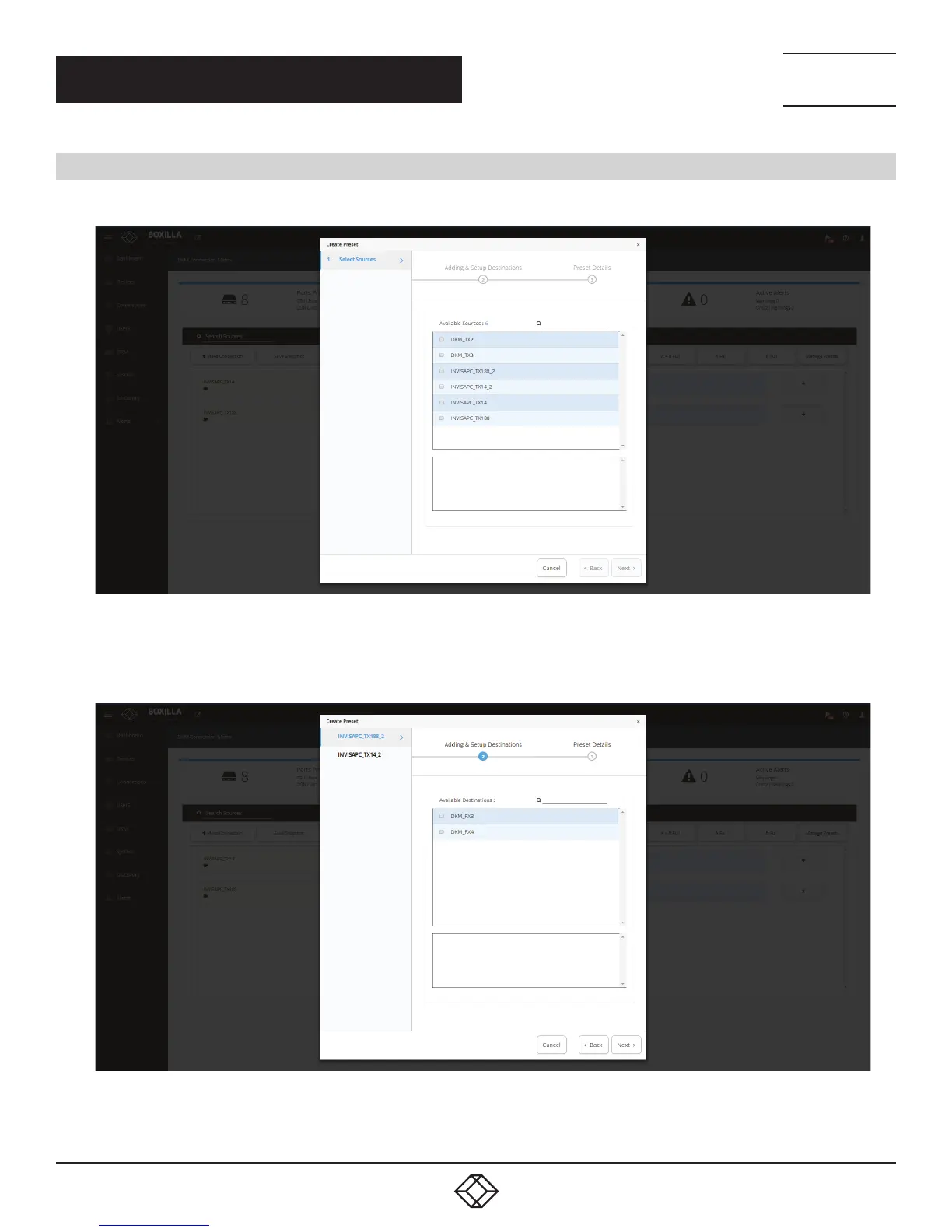
Under Viewer, click “Manage Presets,” then click “Create Custom” and select one or more available sources.
FIGURE 93. CREATE CUSTOM PRESETS
Next, select one or more destinations from the list of available destinations.
FIGURE 94. SELECT DESTINATIONS



 To Next Page