71
CHAPTER 1: HEADLINE
1. 87 7. 8 7 7. 2 2 6 9 BLACKBOX.COM
NEED HELP?
LE AVE THE TECH TO US
LIVE 24/7
TECHNICAL
SUPPORT
1. 87 7. 87 7. 2 26 9
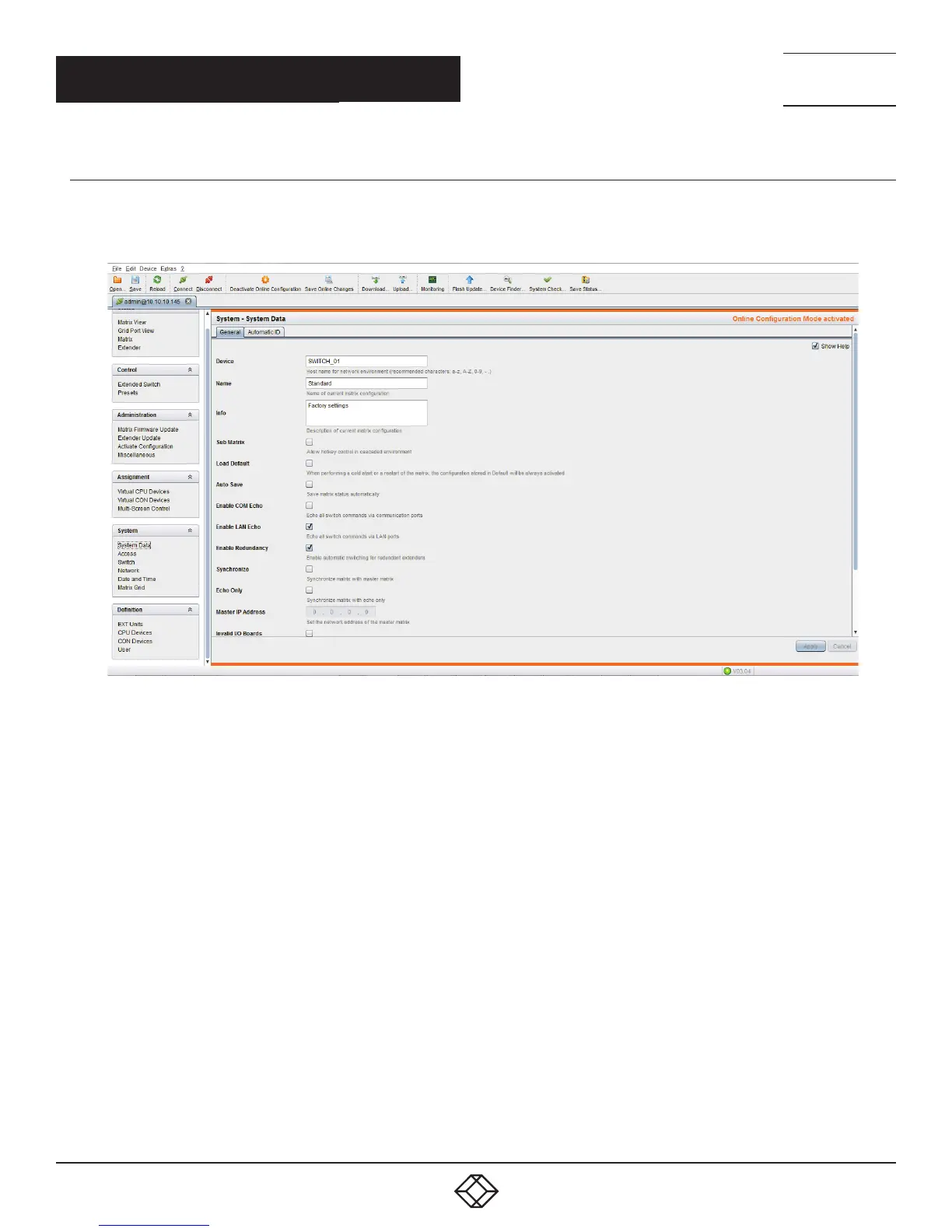
HOW TO ENABLE LAN ECHO
Next, you must Enable LAN Echo. This will enable the switch to echo the results of the connection initiations to the network,
where Boxilla can put them up and set up the corresponding InvisaPC Connections.
FIGURE 76. ENABLE LAN ECHO
CHAPTER 10: DKM INTEGRATION



 To Next Page