73
CHAPTER 1: HEADLINE
1. 87 7. 8 7 7. 2 2 6 9 BLACKBOX.COM
NEED HELP?
LE AVE THE TECH TO US
LIVE 24/7
TECHNICAL
SUPPORT
1. 87 7. 87 7. 2 26 9
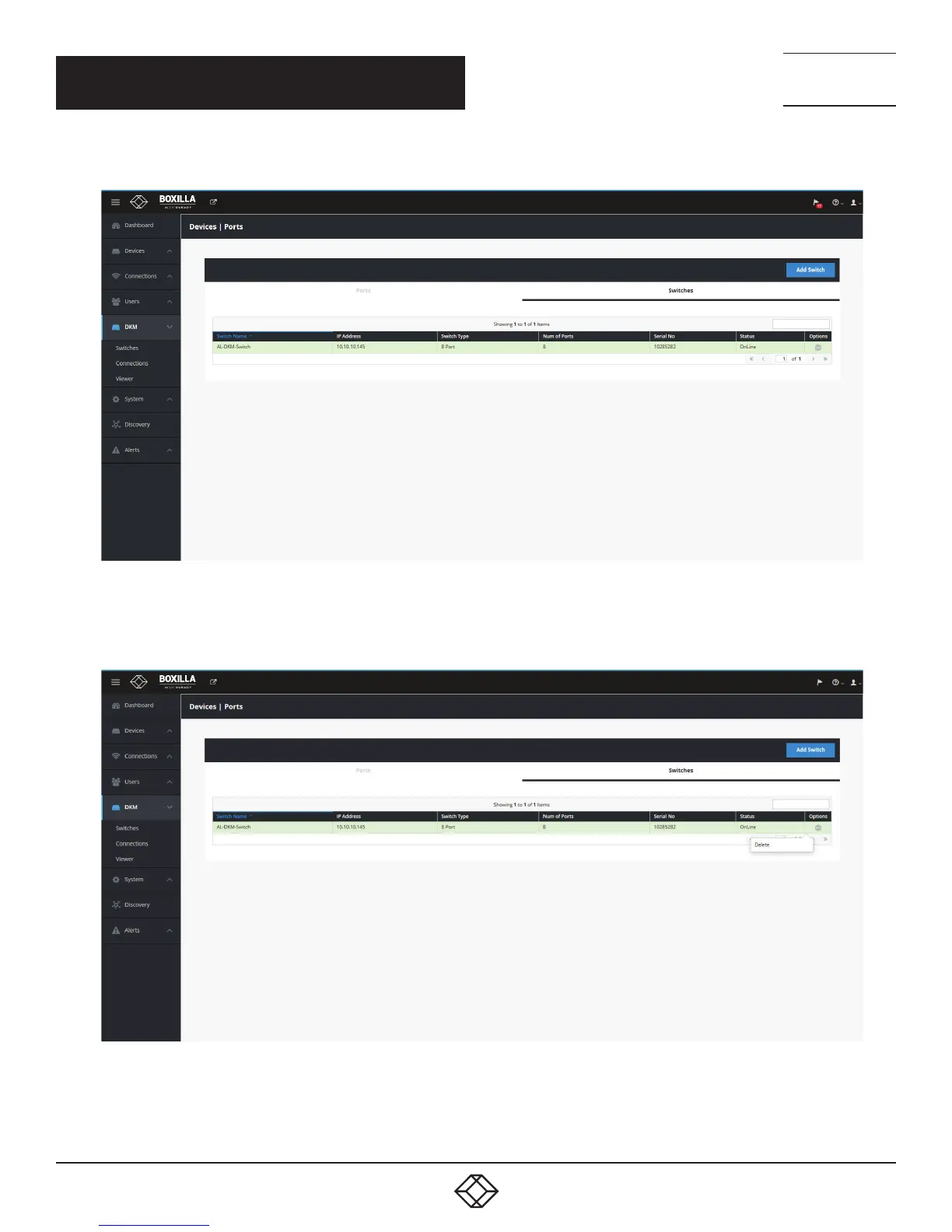
Once the switch is added successfully, it gets listed with an online status.
FIGURE 79. ONLINE STATUS OF SWITCH
If you wish to revert, select Delete from the dropdown list within options to delete the switch entry.
FIGURE 80. DELETE THE SWITCH ENTRY
CHAPTER 10: DKM INTEGRATION



 To Next Page